
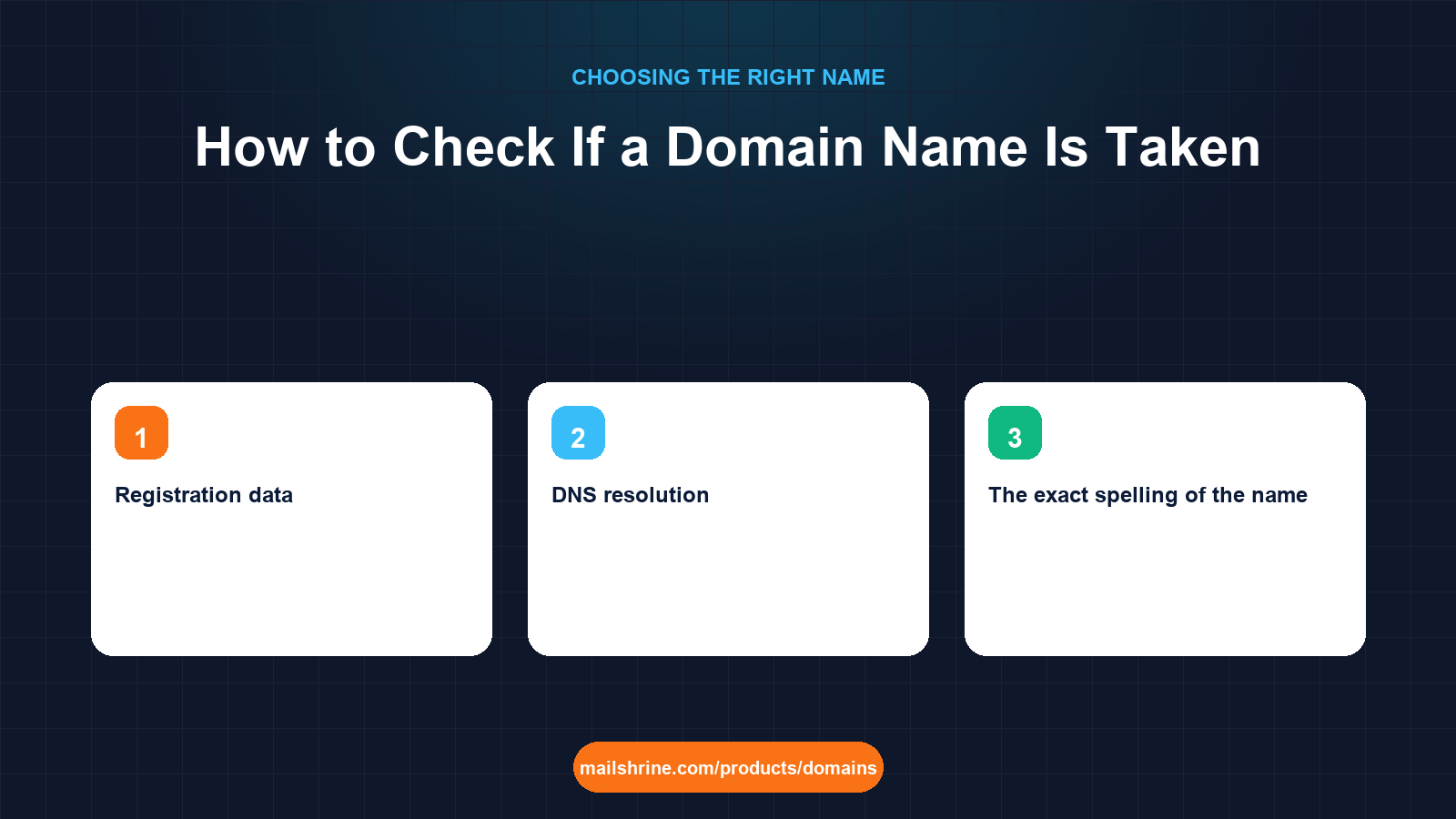
Checking whether a domain is taken sounds like one lookup. It is actually three, and they answer different questions. A registrar's search box tells you whether a name can be registered right now. An RDAP query tells you who holds a registered name, when it expires and which registrar manages it. A DNS lookup tells you whether anyone is actually using it. Most people stop at the first and then wonder why a "taken" name shows a blank page, or why a name that looked free turned out to be reserved.
This guide walks through all three checks, explains what each result means, covers the RDAP system that replaced WHOIS in January 2025, and addresses the persistent fear that searching for a name causes someone to snap it up.
MailShrine Domains runs the first check across 150+ extensions at once in the availability checker, with first-year and renewal prices beside every result and aftermarket Buy Now prices where a taken name is listed for sale. When the name is free, registration writes the email DNS and opens two business mailboxes within minutes.
Real-life example: Chidi's photography studio
Chidi Nwosu runs a wedding and events photography studio in Lagos. He wants nwosuphoto.com. A client typed it into a browser and got an error page, so Chidi assumed it was free; when he searched at a registrar it said taken. Another registrar's page said "make an offer". He wants a clear answer: is the name available, who has it, and is it worth waiting for.
Chidi's goals:
- Get a definitive answer on whether
nwosuphoto.comcan be registered. - If not, find out who holds it, when it expires and whether it is for sale.
- Pick an available alternative today so the studio has email on its own domain this week.
The three checks and what each one tells you
| Check | Tool | Question it answers | What it cannot tell you |
|---|---|---|---|
| Availability | Registrar search (MailShrine checker) | Can I register this name now, and for how much? | Who owns it, when it expires |
| Registration data | RDAP (or legacy WHOIS) | Who holds it, which registrar, created and expiry dates, status codes | Whether a site or email runs on it |
| DNS resolution | dig, nslookup, or an online DNS tool | Is it pointed at a server? Does it have mail records? | Whether it is registered (unregistered names also fail to resolve) |
The client's blank page was a DNS result, not a registration result. A registered name with no DNS records fails to load. That is exactly what a parked or forgotten domain looks like.
Check 1: Availability at a registrar
Type the bare name into the checker. You will see one of four outcomes for each extension:
- Available at a standard price. Register it.
- Available at a premium price. The registry prices this name above standard, and the renewal is usually premium too. The checker shows the renewal so you can tell.
- Taken, with a Buy Now price. The current holder has listed it on an aftermarket. MailShrine shows these up to a cap.
- Taken, no listing. Move to check 2.
Availability searches at registrars are live queries to the registry via EPP, so the answer is accurate to the second.
Check 2: RDAP for registration data
RDAP (Registration Data Access Protocol) is the structured replacement for WHOIS. ICANN required registrars and registries to support it from 2019 and removed the obligation to run legacy WHOIS on 28 January 2025. A lookup at the ICANN lookup tool or at the registry's RDAP server returns JSON with:
- Registrar and its IANA ID, so you know where the holder manages it.
- Creation and expiry dates. A name expiring in two months with no recent update may be about to drop.
- Status codes such as
clientTransferProhibited(transfer lock on),redemptionPeriod(expired and recoverable only by the owner) orpendingDelete(will be released within about five days). - Registrant contact, which since GDPR in 2018 is usually redacted or replaced by a privacy service. You often cannot see a name, but you can see the registrar and a contact form or email relay.
Chidi's RDAP result for nwosuphoto.com: created 2016, expires in five months, registrar in the United States, status clientTransferProhibited, registrant redacted. The name is held and locked, not abandoned.
Check 3: DNS, to see whether it is in use
A quick dig nwosuphoto.com ANY or an online DNS lookup shows whether the name has A records (a website), MX records (email) or nothing. Chidi's had a single A record pointing at a parking service and no MX. Nobody is using it for email. Combined with the RDAP result, the likely story is a registrant holding it for resale or out of habit.
Does searching for a domain cause it to be taken?
The fear is called "front running": a registrar sees your search and registers the name to sell it back to you. ICANN's Security and Stability Advisory Committee investigated in 2008 and found no evidence of registrars doing it. Reputable registrars, including MailShrine, do not log searches for registration. What does happen is coincidence: good names are searched by many people, and someone else registering it the week you looked is not a conspiracy. If you have found a name you want, the right move is to register it now, not to search it again tomorrow.
What you need before you start
| You need | Why |
|---|---|
| The exact spelling of the name | One letter changes the result |
| Your first-choice extension and two fallbacks | A name taken on .com may be free on .com.ng or .co |
| The ICANN lookup tool or a registry RDAP endpoint | For registration data |
| A DNS lookup tool | To see whether a taken name is in use |
| A decision rule | Buy now, wait for expiry, or pick an alternative |
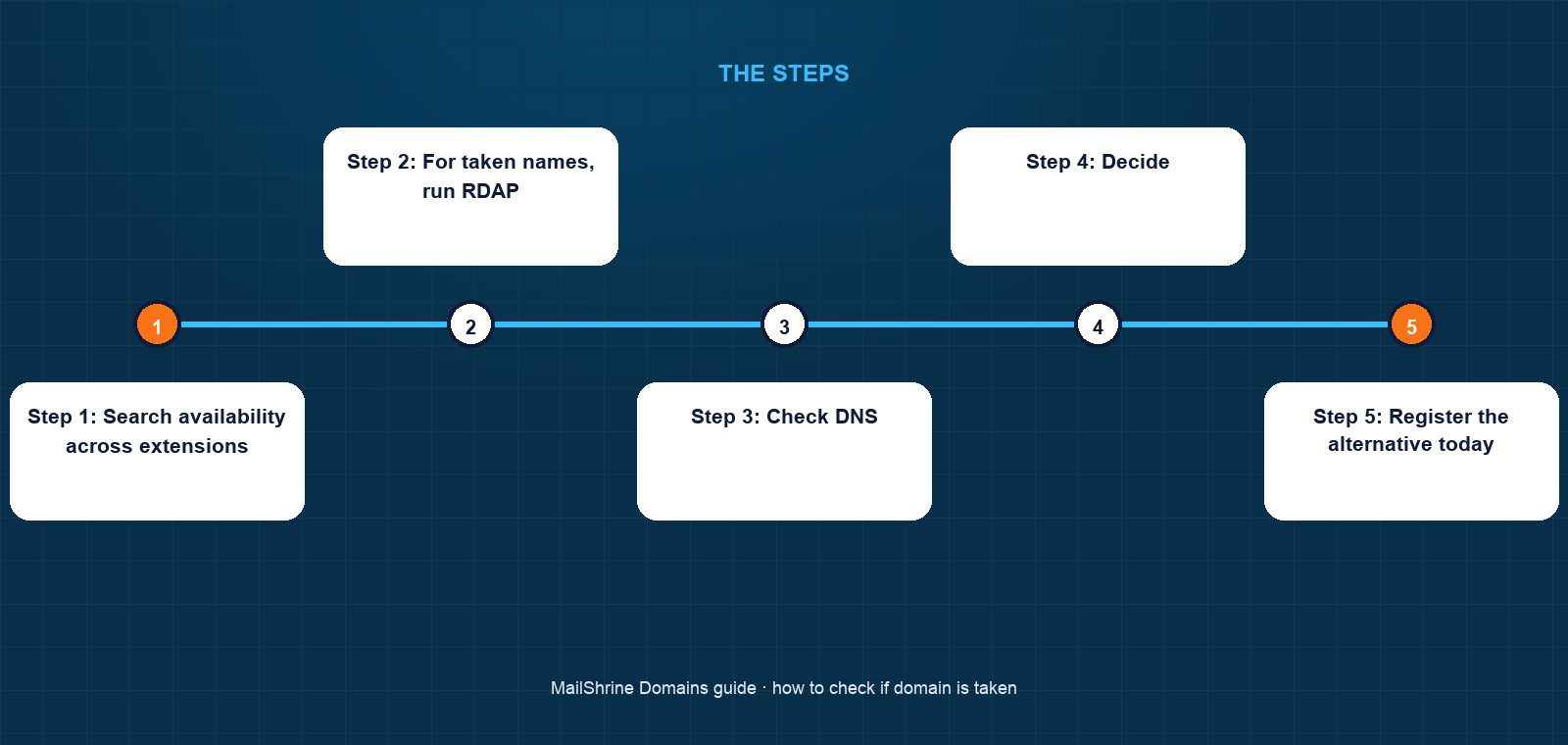
Step 1: Search availability across extensions
Enter the name in the MailShrine checker. Read every extension row, including the local country code and the renewal price.
Step 2: For taken names, run RDAP
Look up the exact name. Record the expiry, registrar and status codes. pendingDelete means it will drop within days; redemptionPeriod means only the current owner can recover it; clientTransferProhibited on an active name means a normal, locked registration.
Step 3: Check DNS
Look for A and MX records. A name with neither is parked or forgotten. A name with MX records is somebody's email and is almost certainly not for sale.
Step 4: Decide
For sale at an acceptable price: buy through the listing. Expiring soon with no DNS: set a reminder and consider a backorder. Live and in use: pick an alternative.
Step 5: Register the alternative today
Do not leave the studio without email while you wait on a name that may never drop. Chidi registered nwosuphotography.com and nwosuphoto.com.ng the same afternoon, with privacy and lock on.
Chidi's checklist
- Confirmed
nwosuphoto.comis taken via live availability searchCompleted - RDAP: created 2016, expires in five months, transfer lock on, registrant redactedCompleted
- DNS: parked A record, no MX, so not in active useCompleted
- Set an expiry reminder and asked about a backorderCompleted
- Registered
nwosuphotography.comfor 2 years andnwosuphoto.com.ngfor 1Completed chidi@andbookings@live on Business EmailCompleted- Update Instagram bio and client contract template with the new addressNot completed
Common mistakes
Treating a blank page as "available". A registered name with no DNS records fails to load. Only a registrar search answers availability.
Reading a redacted RDAP record as "no owner". Since 2018 most registrant fields are hidden by privacy or GDPR redaction. The name is still held; the registrar field tells you where.
Searching the name repeatedly instead of registering it. Front running is not real, but other people wanting the same name is. If it is free and you want it, register it.
Ignoring the expiry date. A name expiring soon with no DNS activity is the best candidate for a backorder. One with eight years left is not worth waiting for.
Forgetting the country code. nwosuphoto.com.ng was free. For a Lagos studio it is a strong primary, not a consolation.
Check your work
For the name you registered, run RDAP yourself. You should see MailShrine's registrar details, today's creation date, the expiry you paid for and clientTransferProhibited. Run a DNS lookup and confirm MX records exist. In the dashboard the domain should show Active, privacy and lock on and email setup complete.
FAQ
How do I know if a domain is really taken?
Search it at a registrar; this queries the registry live. If it is taken, an RDAP lookup shows who manages it and when it expires. A website failing to load is not evidence either way.
What replaced WHOIS?
RDAP, the Registration Data Access Protocol. It returns the same kind of data in a structured, authenticated form. ICANN removed the requirement for registrars to run legacy WHOIS on 28 January 2025, and many still offer it, but RDAP is the authoritative source.
Why can't I see who owns a domain?
GDPR and ICANN's temporary specification (2018) led registrars to redact personal registrant data by default, and most registrars also offer privacy services. You can still see the registrar, dates and status codes, and usually a way to contact the owner through a relay.
Can I find out when a taken domain expires?
Yes, the expiry date is in the RDAP record. Note that expiry is followed by a grace period of up to 45 days and then a 30-day redemption period during which only the owner can recover it, so the actual release is often two to three months after the date shown.
Does checking a domain name cause someone to register it?
No. ICANN investigated the claim in 2008 and found no evidence of registrar front running. Register the name when you find it free rather than waiting; the risk is simply other people with the same idea.
Next steps
- What to Do When Your Domain Name Is Taken — buying, backordering, or picking an alternative.
- Short Domain Names: Why They Cost More and How to Find One — reading premium and aftermarket prices in search results.
- Country Domains for Nigeria: .ng vs .com.ng vs .com — the extension that was free for Chidi.
Citations & References
- Reference: ICANN: Registration Data Access Protocol (RDAP)
- Reference: ICANN Lookup tool
- Reference: ICANN SSAC: SAC 022 Domain Name Front Running
- Reference: ICANN: EPP status codes explained
Written by Daniel O., security editor. Daniel covers lookups, locks and the records that tell you who really holds a name.