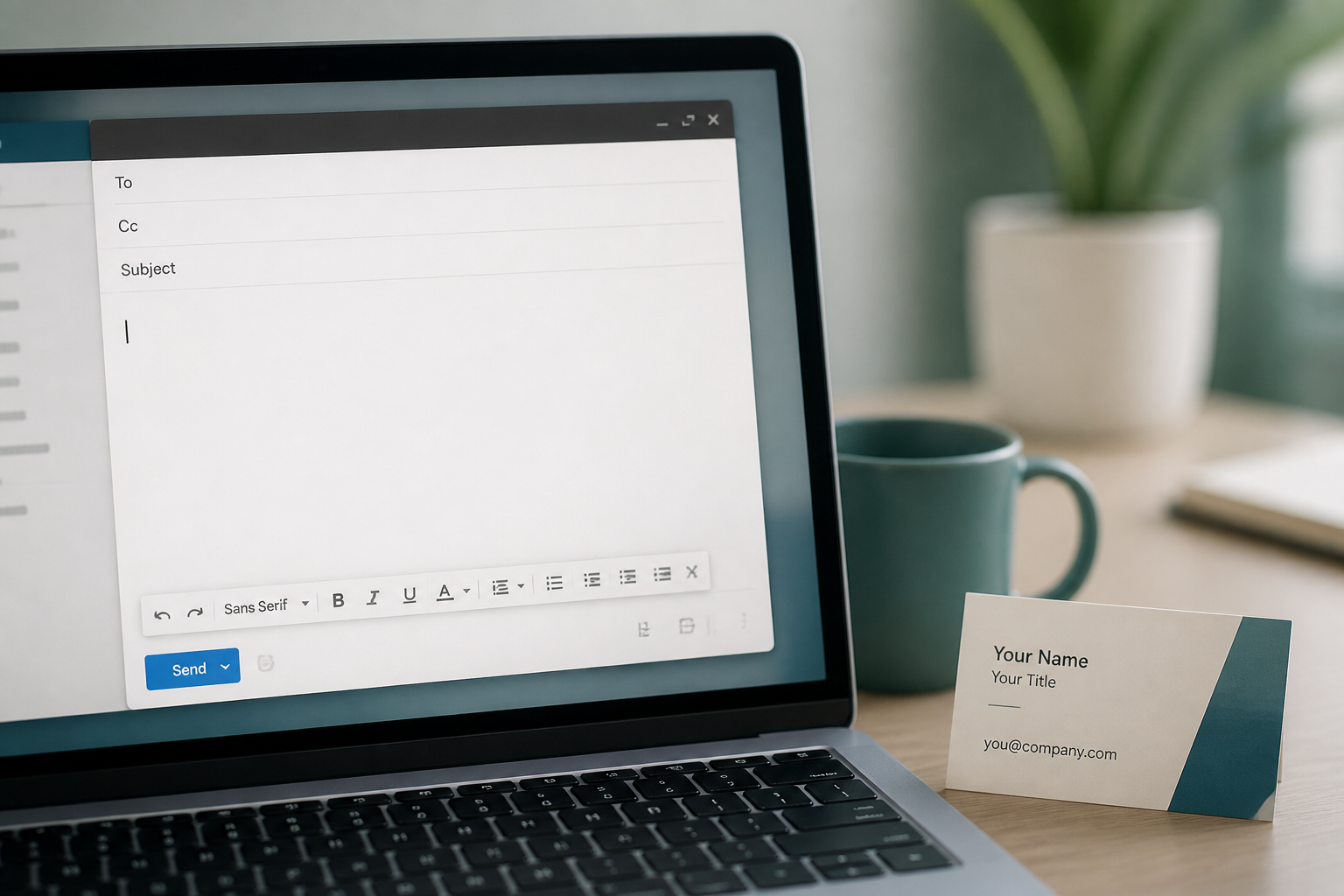

You can get free business email on a domain you own — addresses like you@yourcompany.com — without paying Google Workspace or Microsoft 365 every month.
MailShrine Free includes 2 mailboxes and 2 aliases (for example you@ + hello@ + info@) — real hosted email on your domain, not a temporary trial. Full click path after this overview: Set Up Business Email.
Real-life example: Corner Cart
Bola sells drinks from a cart and just bought cornercart.ng. She searched “how to get free business email” because Instagram DMs were messy and boladrinks22@gmail.com looked unprofessional on invoices.
Her goal tonight:
- Get
bola@cornercart.ngworking for free. - Add
hello@cornercart.ngandorders@cornercart.ngas aliases. - Keep the website wherever it already is.
Free options ranked (honest)
| Approach | Cost | Real mailbox? | Good for |
|---|---|---|---|
| MailShrine Free | $0 email + your domain | Yes | Founders who want webmail + aliases |
| Zoho Mail forever free | $0 email | Yes (limits apply) | Teams who accept Zoho UI |
| Cloudflare Email Routing + Gmail | $0 email | No (forward + send-as) | Hobby experiments |
| Google Workspace / M365 | Paid / trial | Yes | Full suite buyers |
Deep compares: vs Cloudflare forwarding · vs Zoho Free.
What you need
| Item | Why |
|---|---|
| A domain you control | The brand after @ (~yearly registrar fee) |
| DNS login | Publish MX / SPF / DKIM / DMARC |
| MailShrine account | Free plan mailbox + aliases |
| 20–40 minutes | Plus DNS wait |
Step 1: Own the domain
Buy or use an existing domain. You cannot put free business email on @gmail.com itself — the domain must be yours. See What Is Business Email?.
Step 2: Open MailShrine Free
- Sign in or register.
- Open Business Email.
- Confirm you are on Free (2 mailboxes · 2 aliases · 2GB). Details: Free plan explained.
Step 3: Add the domain and publish DNS
- Domains → enter
cornercart.ng. - Copy MX + TXT values.
- Paste at your registrar (DNS only on Cloudflare).
- Start verification.
Walkthrough: setup guide. Timing: DNS propagation.
Step 4: Create the free mailbox
Mailboxes → create bola@cornercart.ng. That uses your one Free mailbox seat.
Step 5: Spend your two Free aliases wisely
- Alias
hello@for Instagram / site forms. - Alias
orders@for order questions.
Both land in Bola’s mailbox. Guide: hello@ / info@ aliases.
Step 6: Test send and receive
Webmail → personal Gmail → reply back. Then update bios and invoices.
Bola’s finished checklist
- Domain readyCompleted
- MailShrine Free workspaceCompleted
- DNS verifiedCompleted
- Mailbox
bola@Completed - Aliases
hello@+orders@Completed - Round-trip test passedCompleted
Common mistakes to avoid
- Calling registrar “email forwarding” free business email — incomplete send story (forwarding compare).
- Buying Workspace just for one address (do you need Workspace?).
- Creating a third mailbox on Free — upgrade to Solo instead.
- Touching website A records while adding MX.
Check your work
- Domain Verified in MailShrine.
- Two mailboxes + ≤2 aliases.
- External round-trip works.
- Public contact points show
@yourdomain.
Next steps
Citations & References
- Reference: Google: Email sender guidelines
- Reference: ICANN: What is DNS?
Written by Isabelle M., Business Email Specialist. Isabelle helps founders land professional domain email without buying a suite.