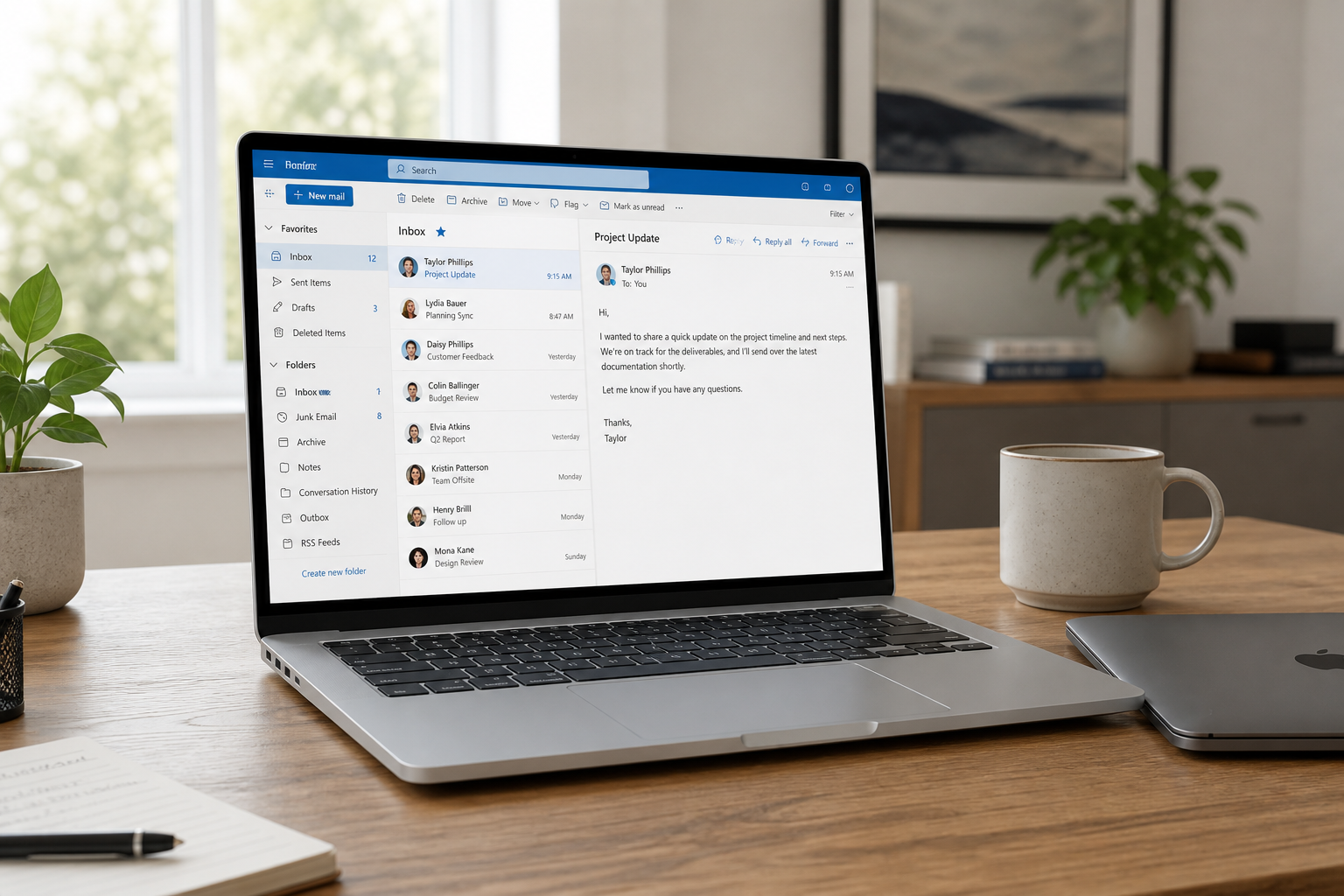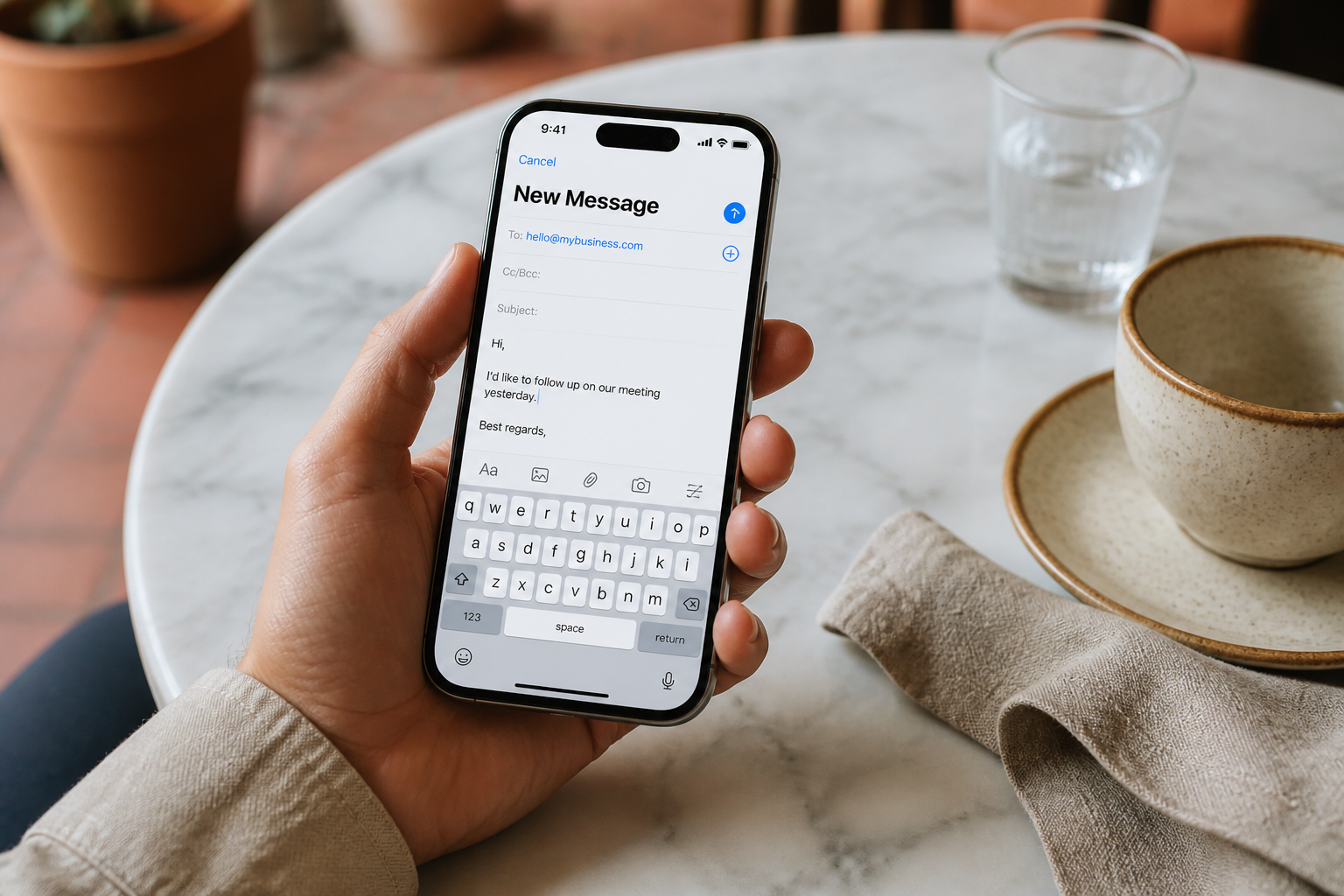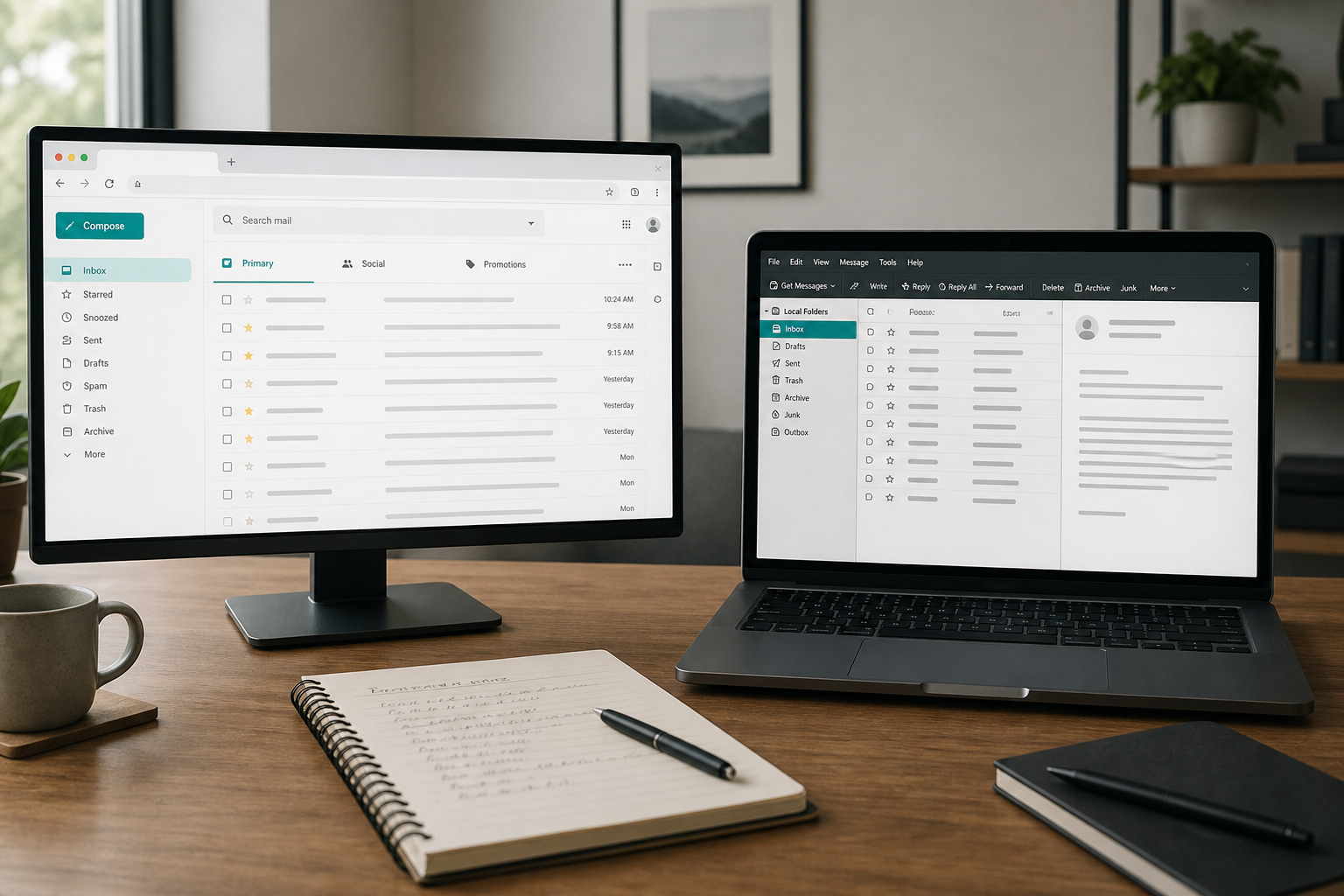
Should your team live in browser webmail or install Outlook / Apple Mail / Thunderbird? There is no universal winner — the right mix depends on how often people leave Wi-Fi, how heavy attachments are, and whether anyone already lives in a Microsoft or Apple mail app all day.
With MailShrine you get webmail in the product plus the option to connect any IMAP client (IMAP & SMTP settings). Use both when it helps; don’t force one culture on everyone.
Real-life example: Paperkite Agency
Amaka leads Paperkite Agency, a five-person design studio in Enugu. Two designers love browser tabs. The account manager wants Outlook rules and local search. The intern only has a Chromebook.
Amaka’s decision framework:
- Everyone must reach mail on day one — webmail is the floor.
- Heavy users may add Outlook or Apple Mail on top.
- Nobody shares mailbox passwords; roles use aliases / team access instead.
Side-by-side comparison
| Factor | Webmail | Desktop / mobile app (IMAP) |
|---|---|---|
| Install | Browser only | App install + IMAP setup |
| Works on café PC | Yes — log in, log out | Risky on shared machines |
| Offline drafts / sync | Limited / depends on PWA | Stronger offline caches (esp. Outlook) |
| Keyboard power users | Good enough | Often faster for triage |
| IT control | One place to push security habits | Mixed device surface |
| Wrong From line risk | Lower if one account | Higher with many accounts in one app |
| Best first week | Yes | After DNS + habits are stable |
When webmail wins
Choose browser webmail first if:
- You are still verifying DNS or migrating (setup guide).
- Contractors rotate devices weekly.
- You want the fewest “my SMTP is broken” tickets.
- Storage on the laptop is already painful.
MailShrine webmail is enough for most Sole / Free-plan founders using 2 mailboxes + 2 aliases.
When a desktop or phone app wins
Add Outlook, Apple Mail, or the Gmail app when:
- You process 50+ threads a day and need local shortcuts.
- You travel with flaky networks and need cached folders.
- The business already standardized on Outlook for calendar habits (even if mail is hosted elsewhere).
- Field staff live on phones — see iPhone and Android.
Honest caveat: if the company also needs Teams + SharePoint + Excel co-authoring as the daily OS, Microsoft 365 as a suite may still beat an email-only host + Outlook IMAP. MailShrine wins when email quality and cost are the job, not the whole Workspace/M365 stack.
Hybrid model most SMEs settle on
| Person | Primary | Secondary |
|---|---|---|
| Founder | Phone IMAP | Webmail backup |
| Ops / inbox owner | Outlook desktop | Webmail when remote |
| Intern / contractor | Webmail only | — |
| Designer on Mac | Apple Mail | Webmail for password resets |
Rules that keep hybrid sane:
- One protocol: IMAP everywhere — no POP.
- Same password vault — don’t DM passwords in WhatsApp.
- Signatures consistent — signature guide.
- Webmail as source of truth when a client “can’t find” a message after a laptop wipe.
Paperkite checklist
- All five people can log into MailShrine webmailCompleted
- Account manager on Outlook IMAPCompleted
- Founders on iPhone MailCompleted
- Intern stays webmail-onlyCompleted
- Quarterly review: who still needs a paid laptop Outlook license?Not completed
Cost and complexity notes
| Approach | Hidden cost |
|---|---|
| Webmail only | Almost none beyond mailbox plan |
| IMAP on personal Outlook | App license if you need Microsoft 365 apps — mail can still be MailShrine |
| Full Microsoft 365 mailboxes | Suite price; excellent if you need the suite |
| Every person inventing hosts | Support time — centralize the IMAP cheat sheet |
Decision flow (simple)
- Can they receive and send in webmail today? If no, fix hosting/DNS first — not the client.
- Do they leave the office daily? Add phone IMAP.
- Do they live in Windows Office already? Offer Outlook IMAP (walkthrough).
- Still unhappy? Revisit whether they actually need a full productivity suite — not a different webmail skin.
Next steps
Citations & References
- Reference: Google: Choose Gmail or another email app
- Reference: Microsoft Support: Outlook for Windows
- Reference: IETF RFC 9051: IMAP4rev2 overview context
Written by Marcus T., Workplace Email Analyst. Marcus helps agencies pick webmail-first vs IMAP-desktop mixes without buying suites they will not use.