On Android, the Gmail app is not limited to @gmail.com. You can add a custom-domain mailbox from MailShrine as a personal IMAP account — same inbox UI, your professional address.
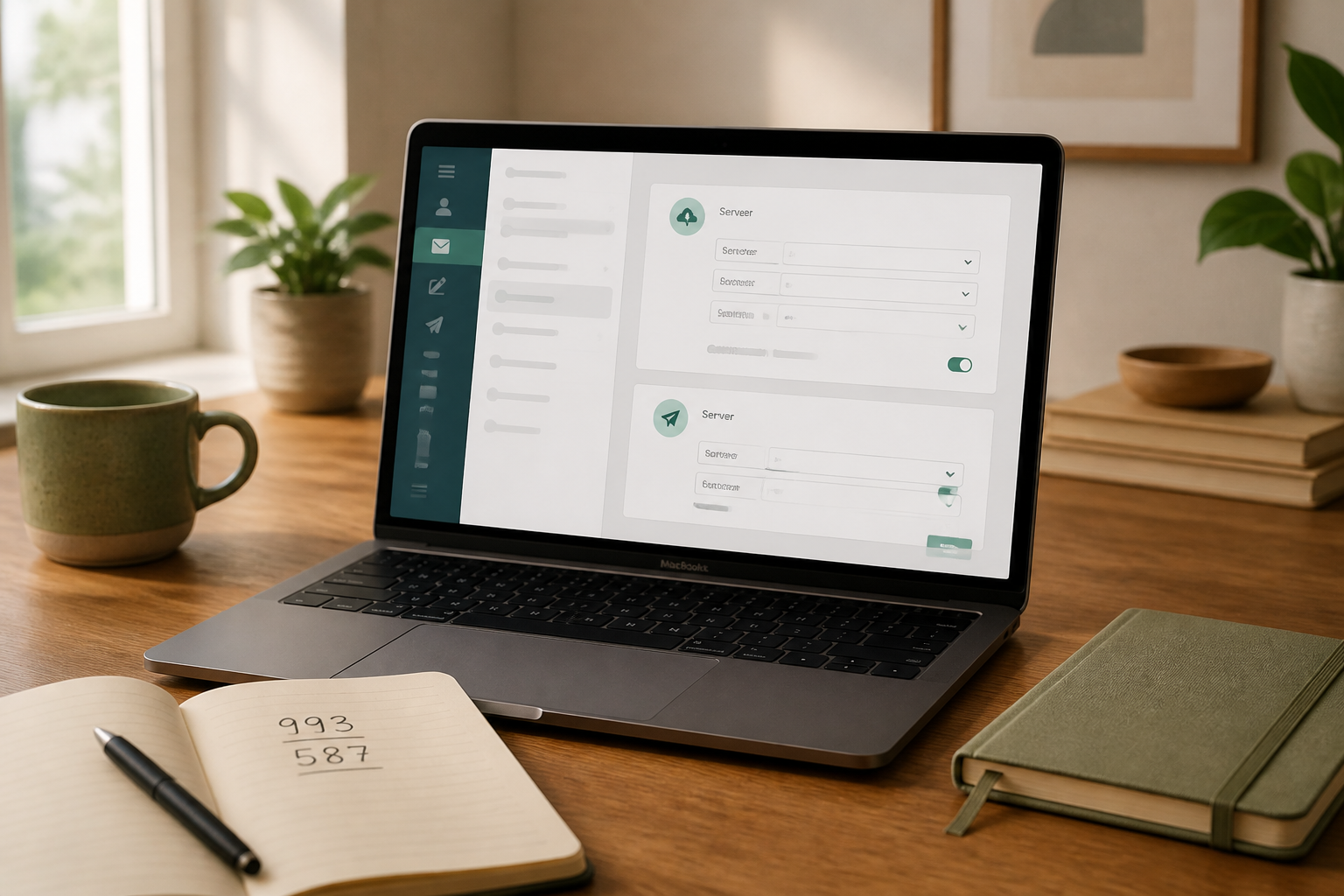
Before you start, open MailShrine mailbox settings and copy IMAP + SMTP values (full field guide). Do not reuse Google Workspace auto-config or invent hosts.
Real-life example: Sunrise Pharmacy Couriers
Fatima manages deliveries for Sunrise Pharmacy Couriers in Kano. Her work address is fatima@sunrisecouriers.ng. She lives in the Gmail app on Android for WhatsApp-adjacent customer updates and needs the business mailbox beside her personal Gmail — separate accounts, one app.
Success criteria:
- Business account appears under Gmail’s account switcher.
- Send works with SMTP auth.
- Mail also stays visible in MailShrine webmail (IMAP sync).
Gather credentials from MailShrine
| Field | Enter on Android |
|---|---|
| Full address | |
| Password | Mailbox password |
| Incoming server | [copy IMAP host from MailShrine] |
| Incoming port / security | [copy from MailShrine] (often 993 + SSL/TLS) |
| Outgoing server | [copy SMTP host from MailShrine] |
| Outgoing port / security | [copy from MailShrine] (often 587 + STARTTLS) |
| Username | Full email for both directions |
If MailShrine lists different ports, those win. Tutorial defaults are only reminders.
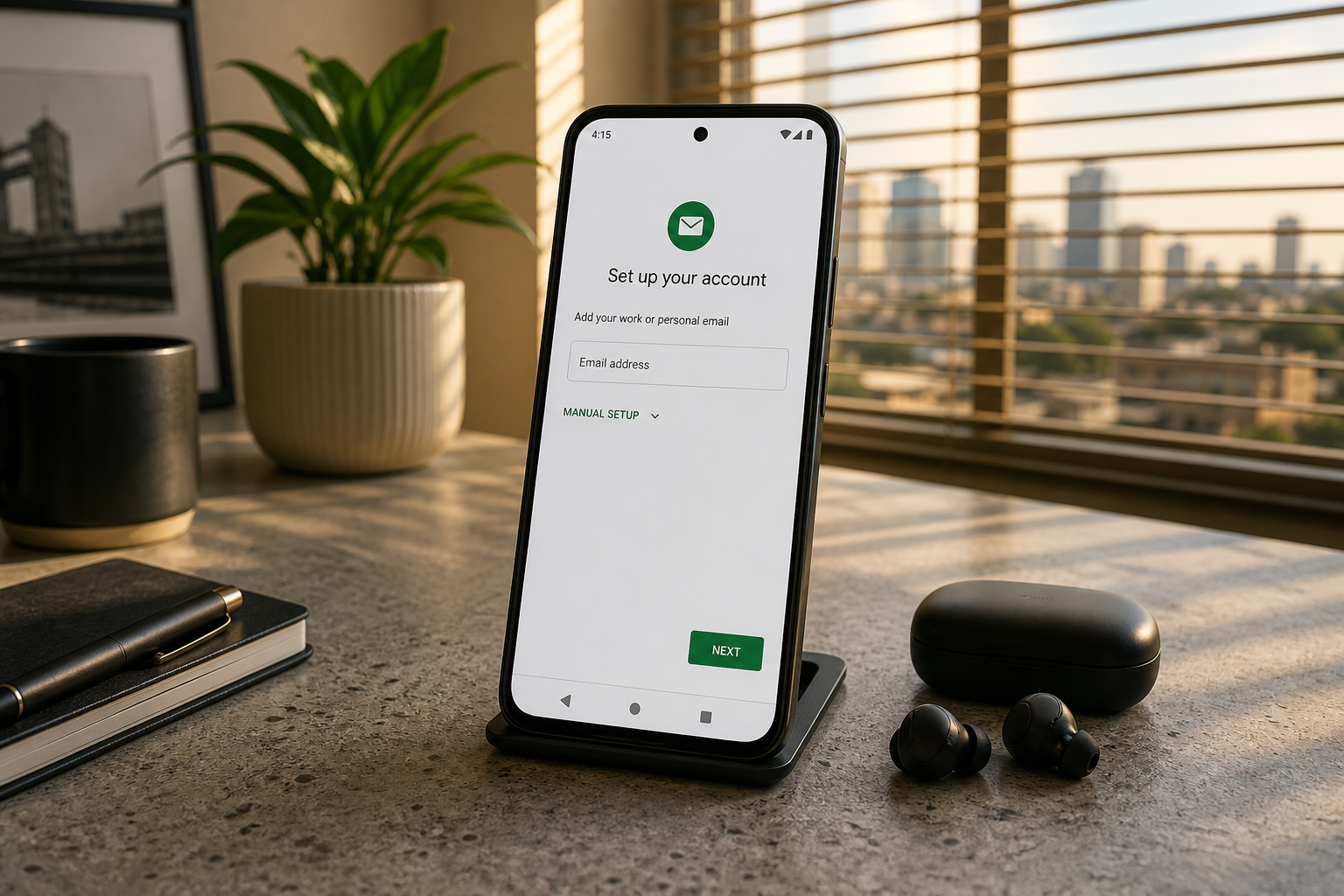
Add MailShrine mail in the Gmail app
Steps vary slightly by Android skin (Pixel, Samsung, Tecno), but the path is similar:
- Open the Gmail app.
- Tap profile picture / initials → Add another account.
- Choose Other (not Google, Exchange, Outlook.com).
- Type your full business email → Next.
- Select Personal (IMAP) — not POP3.
- Enter the mailbox password → Next.
- On the incoming server screen, replace any guessed host with MailShrine’s IMAP host; confirm port and security type.
- On the outgoing server screen, paste MailShrine’s SMTP host; leave Require sign-in on; username = full address; same password.
- Finish account options (sync frequency, notifications) → Next / Done.
Samsung “Email” app alternative
If you prefer Samsung Email over Gmail:
- Add account → Other.
- Manual setup → IMAP account.
- Paste the same MailShrine IMAP/SMTP values.
Functionally identical protocol-wise; pick the app you will actually open.
Fatima’s first tests
- From the new account in Gmail app, send “Android SMTP test” to a personal address.
- Reply from that personal address.
- Confirm arrival under the business account and in MailShrine webmail.
- Optional: star/label on phone → refresh webmail to see IMAP sync.
Settings worth checking
| Option | Recommendation |
|---|---|
| Sync email | On for the business account |
| Notifications | On if delivery ETA messages are urgent |
| Days of mail to sync | Start with default; lower if storage is tight |
| Signature | Short mobile signature — see best practices |
| Default send account | Set thoughtfully — avoid sending pharmacy mail from personal Gmail |
Checklist
- Other → Personal (IMAP) chosenCompleted
- IMAP host pasted from MailShrineCompleted
- SMTP host pasted; sign-in requiredCompleted
- Round-trip test passedCompleted
- Colleague phone documented with same steps for mid-year hireNot completed
Troubleshooting on Android
| Symptom | Likely fix |
|---|---|
| “Couldn’t open connection to server” | Wrong IMAP host/port; re-copy from MailShrine |
| Incoming OK, send fails | SMTP host, port, or missing password on SMTP |
| Certificate warnings | Encryption type mismatch (SSL vs STARTTLS) |
| Account added as Google | Remove and re-add via Other |
| Duplicate spammy sync | You may have added POP — remove and use IMAP |
| Very old Android build quirks | Update Gmail from Play Store; retry manual ports |
Domain not verified yet? Fix DNS first (how to set up business email) — clients cannot invent MX routing.
Gmail app vs Google Workspace
Adding IMAP to the Gmail app does not give you Google Drive storage, shared Docs, or Workspace admin. It is only a client for your MailShrine mailbox. That is usually what SMEs want. Choose Google Workspace when the whole collaboration suite is the product — not because the Android mail icon is familiar.
MailShrine Free still means 2 mailboxes + 2 aliases if you are testing on a solo Android device first.
Next steps
Citations & References
- Reference: Google Account Help: Add a third-party account to Gmail on Android
- Reference: Google: Email sender guidelines
- Reference: IETF RFC 3501: IMAP4rev1
Written by Isabelle R., Mobile Email Specialist. Isabelle documents Android Gmail IMAP paths so courier and retail teams keep domain mail in the app they already open.