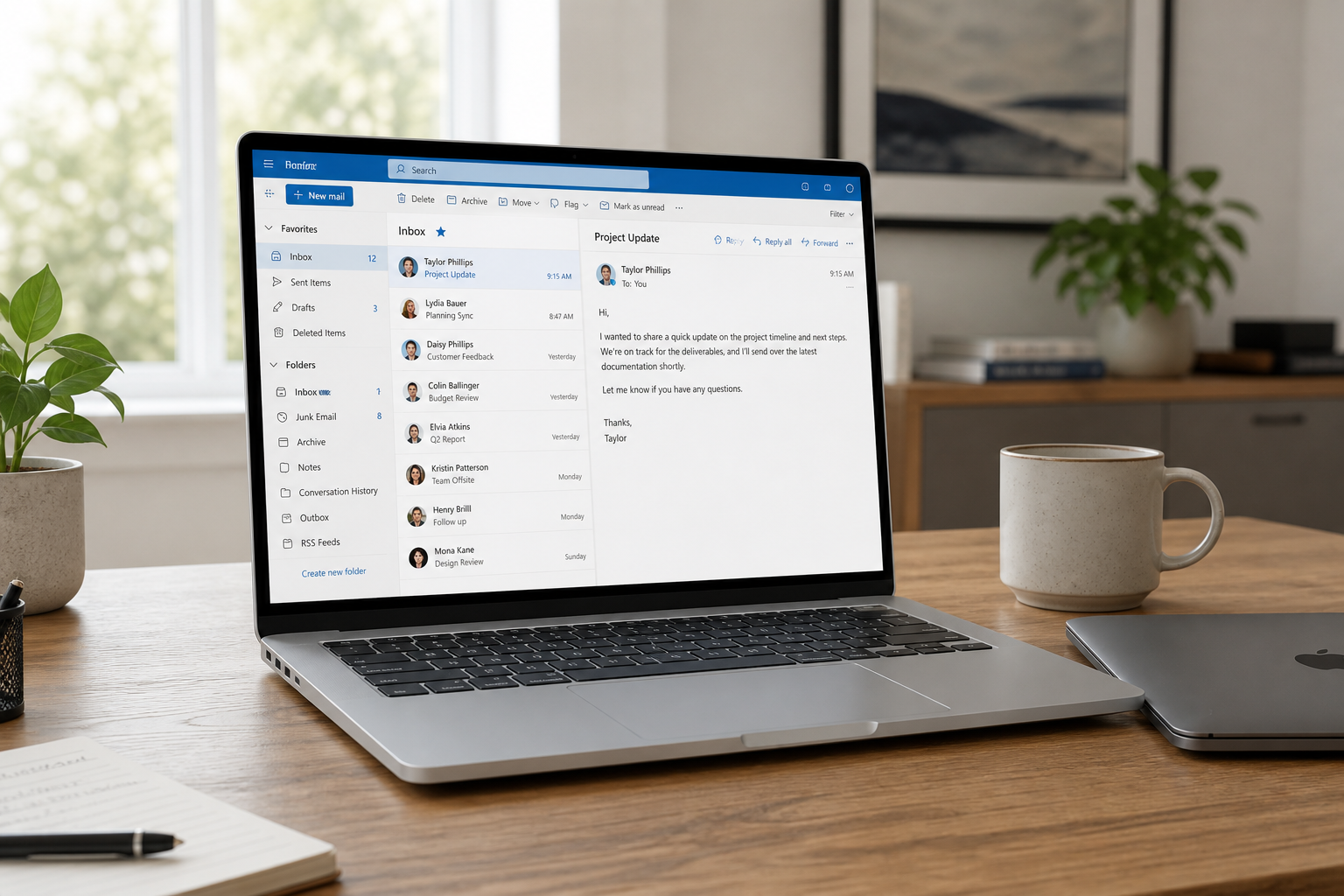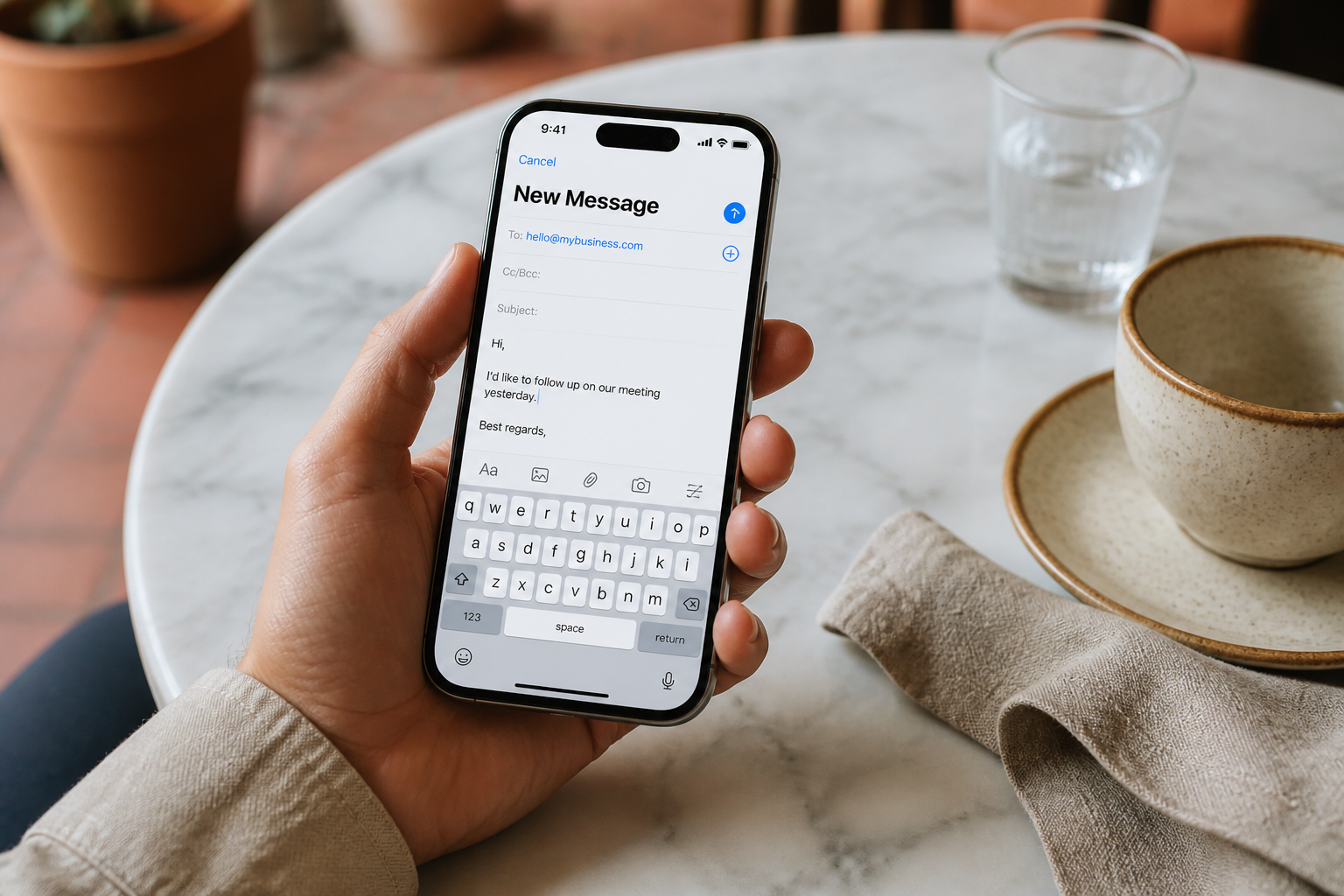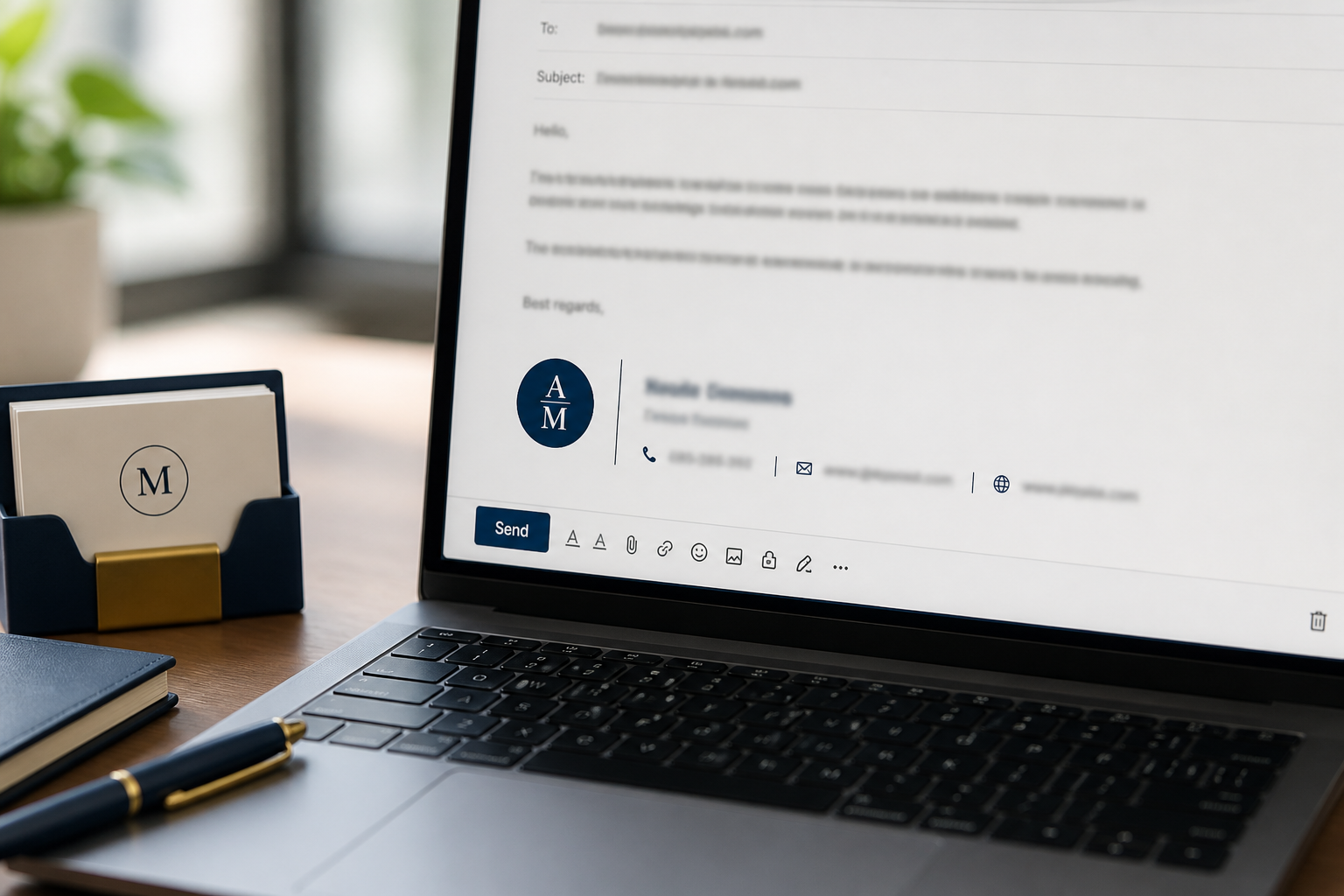
Your signature is the last thing clients see on every outbound message. Done well, it builds trust and makes the next step obvious. Done poorly, it looks like a banner ad — or worse, it triggers spam filters and breaks on mobile.
This guide covers clean signature structure for MailShrine users across webmail, Outlook, iPhone, and Android — plus examples you can copy and shorten.
Real-life example: Coastline Legal Support
Ifeoma is an associate at Coastline Legal Support in Lagos. Her address ifeoma@coastlinelegal.ng finally replaced a shared Gmail. Partners asked everyone to add the same firm signature — complete with a 400 KB scanned letterhead. Clients on phones saw a broken image stack; some replies went to Promotions.
Ifeoma’s rewrite goals:
- Name, role, phone, website — readable without images.
- One small logo optional, never required.
- Same text in webmail and Outlook (Outlook setup).
What belongs in a professional signature
| Include | Skip or minimize |
|---|---|
| Full name | Motivational quotes |
| Job title + company | Political banners |
| One phone number | Three WhatsApp lines + Telegram + Signal |
| Website or booking link | Multiple tracking UTMs on every URL |
| Physical city (optional) | Full postal block on every reply |
| Small logo (optional) | Animated GIFs / stacked badges |
| Legal disclaimer only if required | Novel-length confidentiality essays on internal mail |
Recommended structure (copy pattern)
Plain-text first (always works):
Ifeoma Adeniyi Associate · Coastline Legal Support +234 … … … https://coastlinelegal.ng
HTML version for webmail / Outlook (keep styling light):
- Name in bold or slightly larger
- Title · Company on the next line
- Phone · Website as text links
- Optional logo ≤ 40 KB, width ~120–180 px
Mobile clients collapse wide tables. Prefer simple stacked lines over multi-column layouts.
Reply vs new-message signatures
| Type | Length | Use |
|---|---|---|
| Full | 4–6 lines + optional logo | New threads, first client touch |
| Reply | Name + mobile + one link | Short back-and-forth |
| Internal | Name + team | Optional; many teams omit |
Outlook and Apple Mail let you maintain more than one signature — set reply to the short form.
Where to set it (MailShrine + clients)
- MailShrine webmail — open settings / identity / signature for the mailbox (wording varies). Paste plain or light HTML.
- Outlook — File → Options → Mail → Signatures (Windows) or Outlook → Settings → Signatures (Mac). Mirror the same text.
- iPhone — Settings → Mail → Signature; per-account signature if available on your iOS version (iPhone mail guide).
- Android Gmail app — Settings → [account] → Mobile Signature (Android guide).
Keep hosts out of signatures — IMAP/SMTP live in settings (IMAP guide), not under your name.
Deliverability and branding pitfalls
| Pitfall | Why it hurts | Fix |
|---|---|---|
| Huge images | Slow load; spammy reputation | Compress or drop images |
| URL shorteners | Look like phishing | Use your real domain |
| “Click here!!!” CTAs | Marketing tone in transactional mail | Soften language |
| Different signatures per device | Looks inconsistent | Paste one approved block everywhere |
| Tracking pixels in every reply | Privacy optics; clutter | Keep analytics on marketing tools, not inbox mail |
Day-to-day mailbox send is separate from MailShrine Email Marketing campaigns — don’t paste newsletter footers into support replies.
Example signatures by role
Freelancer / consultant
Daniel Okon Brand consultant daniel@yourdomain.com · +234 … https://yourdomain.com
SMB owner with hello@ alias
Use your personal mailbox for send; keep hello@ as the public receive address. Signature still shows a human name:
Adaobi Eze Founder, Bloom & Bake Orders: hello@bloomandbake.ng
Regulated / legal
Short disclaimer beneath the contact block — not above your name. Review with counsel; one sentence often suffices for SME contracts.
Ifeoma’s checklist
- Plain-text version readable with images blockedCompleted
- Logo under 40 KB or removedCompleted
- Matching signature in webmail + OutlookCompleted
- Short reply signature enabledCompleted
- Junior associates trained on the templateNot completed
Team policy tips
- Publish one HTML + one plain template in a shared drive.
- Update titles and phones quarterly.
- Ban affiliate stickers and “sent from my iPhone” quirks on client-facing accounts.
- If Free plan (2 mailboxes + 2 aliases), signatures still matter — professionals look bigger than their seat count.
Next steps
Citations & References
- Reference: Google: Email sender guidelines
- Reference: Microsoft Support: Create and add an email signature in Outlook
- Reference: Apple Support: Change email signature settings
Written by Samira O., Business Email Setup Specialist. Samira helps professionals ship short, consistent signatures that travel cleanly across webmail and mobile clients.