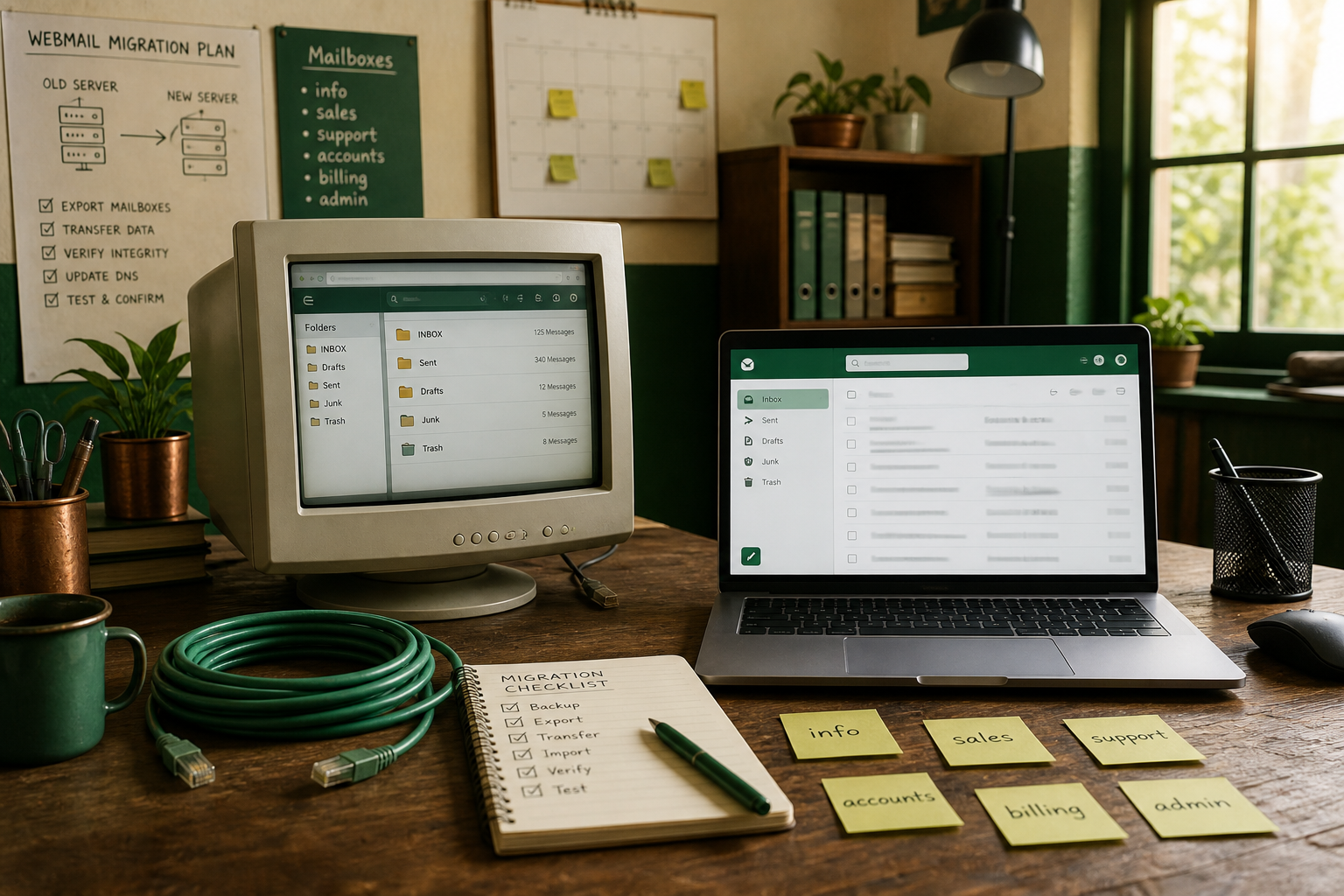
Shared hosting “Email Accounts” in cPanel work until you outgrow roundcube quirks, spam filtering, or you split the website off the same box. Moving to a dedicated business-email host like MailShrine is mostly IMAP + MX — not a website move. Keep your A records; change mail DNS when you are ready.
Search results often say “migrate cPanel to Google Workspace.” The steps below work for Workspace or MailShrine-style IMAP hosts; pick the destination that matches how much suite you actually need.
Real-life example: Shoreline Tutors
Chioma runs Shoreline Tutors from a Namecheap/cPanel package: site + chioma@, ops@, and a messy info@ used by three staff. Webmail timed out during exam season. She moved mail to MailShrine, left WordPress on cPanel, and stopped sharing one Roundcube session.
Decide: website stays, email leaves
| Piece | Usually stays on cPanel? | Moves to MailShrine? |
|---|---|---|
| Website files / SSL | Yes | No |
| A / CNAME for web | Yes | No |
| MX | No — point to new mail host | Yes |
| SPF / DKIM / DMARC | Rewrite for new sender | Yes |
| Mailbox passwords | Recreate / reset | Yes |
What you need
| Item | Notes |
|---|---|
| cPanel login | Email Accounts + (optional) backups |
| Current IMAP server name | Often mail.yourdomain.com or the host’s shared name |
| Destination account | MailShrine domain added |
| Migrator or desktop client | IMAP→IMAP tool or Thunderbird copy |
| DNS access | For the eventual MX flip |
Step 1: List every cPanel address
In cPanel → Email Accounts, export or screenshot:
- Full addresses and quotas
- Forwarders and autoresponders
- Default (catch-all) address if enabled
Catch-alls on shared hosting are spam magnets — decide whether you still want one (catch-all guide).
Step 2: Create matching mailboxes on the new host
Mirror local parts (chioma@, ops@). Use temporary migration passwords. On MailShrine Free you get 2 mailboxes + 2 aliases — Chioma used both mailboxes for chioma@ and ops@ and made info@ an alias.
Step 3: Pull mail with IMAP (before MX)
- Confirm old IMAP works with the cPanel password (disable overly aggressive “Force SSL” weirdness only if your migrator needs the documented ports).
- Point your migrator: source = cPanel IMAP, destination = MailShrine IMAP (settings overview).
- Run a full folder copy; re-run deltas the morning of cutover.
- Spot-check Attachments and Sent on MailShrine webmail.
Full checklist: IMAP migration checklist.
Step 4: Soft dual-run day
Optional but calm: keep MX on cPanel while staff send from the new host only after SPF/DKIM are ready for a test subdomain — most SMBs skip this and do a planned Saturday MX flip instead (zero-loss overview).
Lower MX TTL 24–48 hours early.
Step 5: Switch MX / SPF / DKIM
- In MailShrine Domains, copy MX + auth TXT values.
- At the DNS host, remove cPanel MX rows; publish MailShrine MX (MX explained).
- Merge SPF so only the new sender remains once old outbound stops (SPF guide).
- Add DKIM; keep a sensible DMARC (
p=nonewhile you watch). - Wait, then verify (propagation timing).
Registrar walkthroughs: Namecheap / Cloudflare / GoDaddy.
Step 6: Retire cPanel mail carefully
| Do | Don’t |
|---|---|
| Leave cPanel mailboxes up 1–2 weeks | Delete accounts the hour MX changes |
| Watch cPanel webmail for stragglers | Assume zero propagation lag |
| Remove old SPF includes later | Leave both MX forever |
Shoreline Tutors checklist
- Address inventory from cPanelCompleted
- Destination mailboxes createdCompleted
- IMAP history copied twice (full + delta)Completed
- MX TTL loweredCompleted
- MX + SPF + DKIM on MailShrineCompleted
- Phone/Outlook reconfiguredCompleted
- cPanel email accounts deleted after quiet periodNot completed
Honest note on “to Google Workspace”
If the school already lives in Classroom / Drive, Workspace may still be the better suite. If you mainly need reliable @yourdomain mail without paying per-seat for Docs, MailShrine is the leaner landing zone.
Next steps
Citations & References
- Reference: cPanel docs: Email accounts
- Reference: Google: Migrate from IMAP servers
- Reference: RFC 3501 — IMAP4rev1
- Reference: Cloudflare Learning Center: What is an MX record?
Written by Elena M., Hosting Transitions Lead. Elena helps founders peel email off shared cPanel without breaking the website.