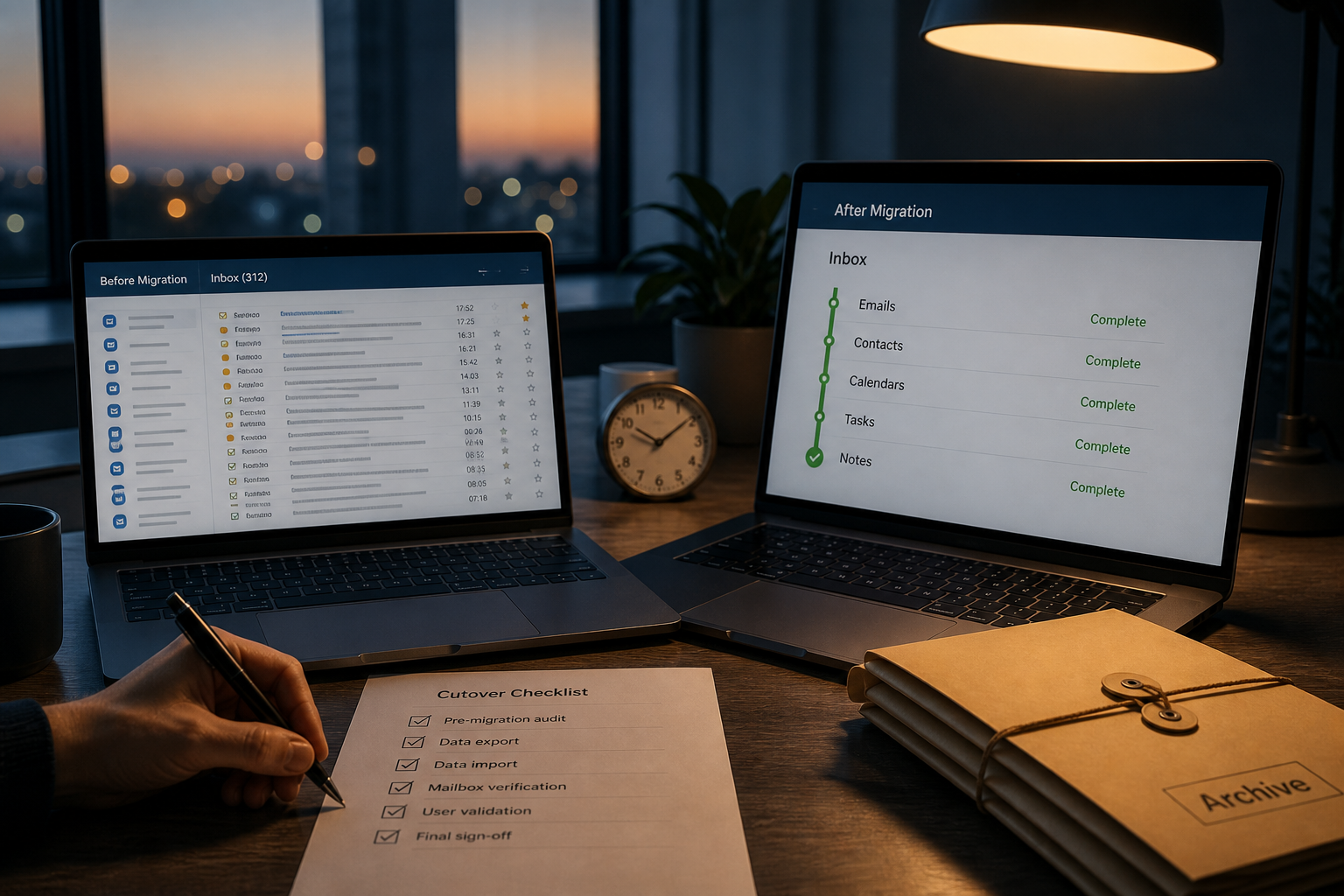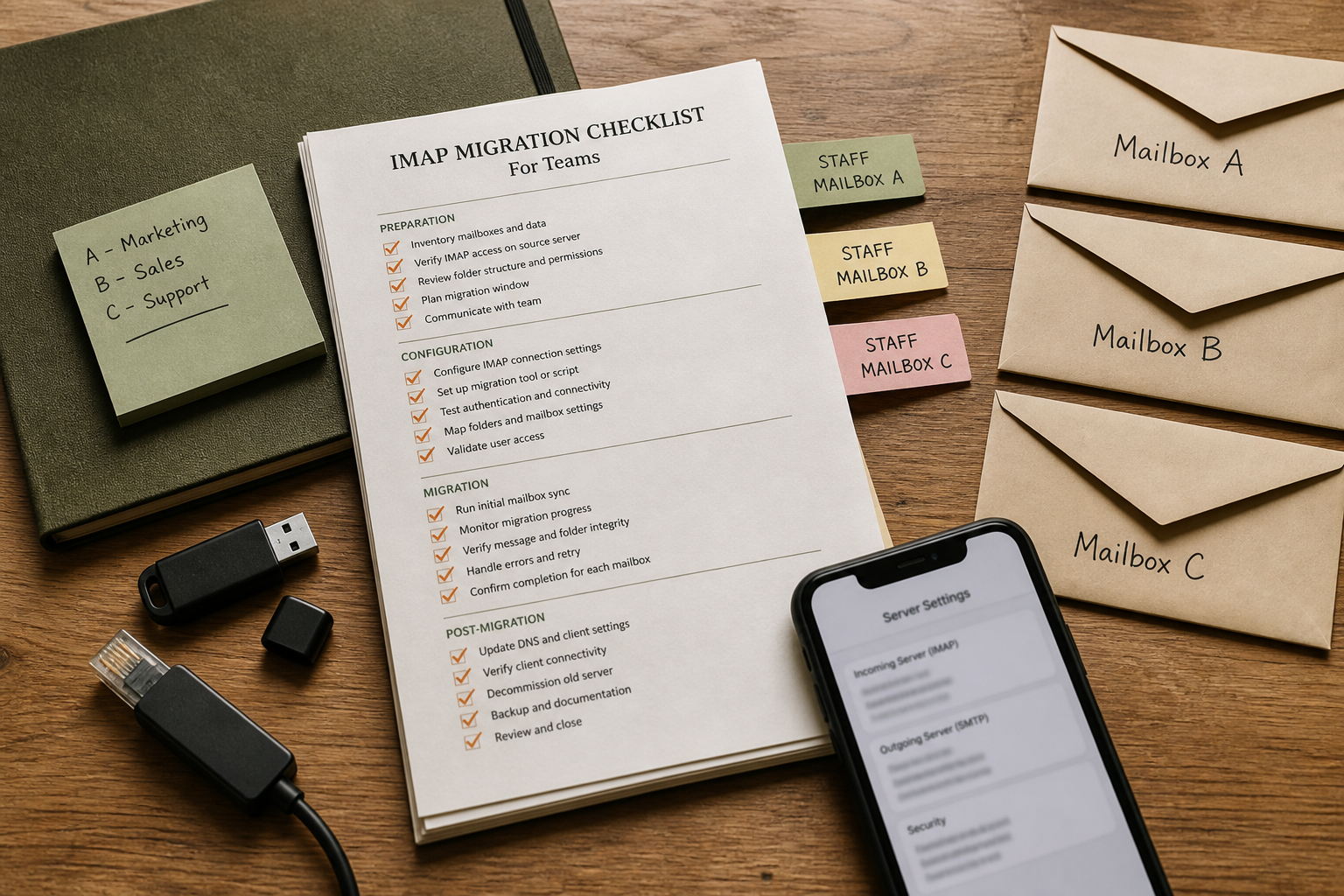
IMAP migration is boring on purpose: same folders on two servers until counts match. Teams get burned when someone resets a password mid-job, when Sent never copies, or when MX flips while the migrator is still on Inbox 40%.
Use this checklist whether you are entering MailShrine from cPanel, Google Workspace, Microsoft 365, or another IMAP host.
Real-life example: Ledger & Line
Amaka migrates accounting firm Ledger & Line (11 mailboxes, ~180 GB total). She scheduled a Thursday night run, pasted passwords into a migrator sheet, and walked away. Two FAICPA logins had MFA prompts overnight — those seats finished at 12%. Friday morning looked “done” until partners asked where last year’s audit threads went.
Her fix: per-seat owner sign-off, not a single green progress bar.
Phase 0 — Decide ownership
| Role | Owns |
|---|---|
| Migration lead | Tooling, DNS window, go/no-go |
| Mailbox owners | Passwords / app passwords, folder spot-checks |
| DNS owner | TTL + MX publish |
| Comms owner | Staff announcement + client quiet hours |
Related: zero-loss cutover.
Phase 1 — Inventory (do not skip)
- Spreadsheet of every address (mailbox / alias / forward / shared)Not completed
- Approximate mailbox size and VIP flagNot completed
- Source IMAP hostname, ports, SSL requirementsNot completed
- Destination IMAP settings from MailShrine (client settings)Not completed
- Plan seats: Free = 2 mailboxes + 2 aliases — buy seats before sync if you need moreNot completed
Provider-specific notes: cPanel · Google · Microsoft
Phase 2 — Access that survives overnight
| Source | Prefer | Avoid |
|---|---|---|
| Google Workspace | App password / approved migrator OAuth | Changing user password mid-run |
| Microsoft 365 | App password or modern-auth tool | Blocking IMAP globally without noticing |
| cPanel | Direct account password | Disabling the email account mid-sync |
- MFA path documented per VIPNot completed
- Temporary “migration” passwords stored in a vault, rotated after cutoverNot completed
- Migrator retries + logging enabledNot completed
Phase 3 — Destination ready
- Domain added in MailShrineNot completed
- Mailboxes created with matching local partsNot completed
- Aliases mapped (alias vs mailbox)Not completed
- Webmail login tested for each seatNot completed
- MX still on the old host while phase 4 runsNot completed
Phase 4 — Copy & verify
Run order that saves pain:
- Pilot 1–2 non-critical seats end-to-end.
- Full cohort overnight.
- Delta / catch-up the morning of DNS day.
Per-mailbox verification table
| Check | Pass criteria |
|---|---|
| Inbox count | Within ~1% or explainable deltas |
| Sent | Present — often forgotten |
| Custom folders | Names intact |
| Recent thread | Last 7 days complete |
| Old attachment | Spot-open a PDF from >6 months |
| Quota | Destination not full |
- Pilot signed offNot completed
- Full sync completeNot completed
- Delta scheduledNot completed
- VIPs manually spot-checkedNot completed
Phase 5 — Cutover coordination
- MX TTL lowered 24–72h priorNot completed
- Staff told when to stop sending from old profilesNot completed
- MX published to MailShrine (MX guide)Not completed
- SPF/DKIM updated (SPF, DKIM)Not completed
- External test messages per critical addressNot completed
- Devices rebuilt same dayNot completed
- Old host watched for stragglers (timeline)Not completed
Propagation reference: DNS timing.
Phase 6 — Close-out
- Migration passwords rotated to final secrets + 2FANot completed
- Migrator credentials revokedNot completed
- Old IMAP disabled only after quiet periodNot completed
- Postmortem notes for next hire waveNot completed
Failure codes Amaka now watches
- Green bar, empty Sent — tool excluded Sent by default.
- One user forever retrying — MFA prompt invisible overnight.
- Folder name collisions — source had
INBOX/invoicesvsInvoices. - Early MX — new mail arrives on MailShrine while history job still thrashing the network.
Next steps
Citations & References
- Reference: RFC 3501 — INTERNET MESSAGE ACCESS PROTOCOL — VERSION 4rev1
- Reference: Microsoft Learn: IMAP migration
- Reference: Google: Migrate email from IMAP servers
Written by Marcus T., Technical Program Manager. Marcus turns mailbox migrations into checklists owners can actually finish.