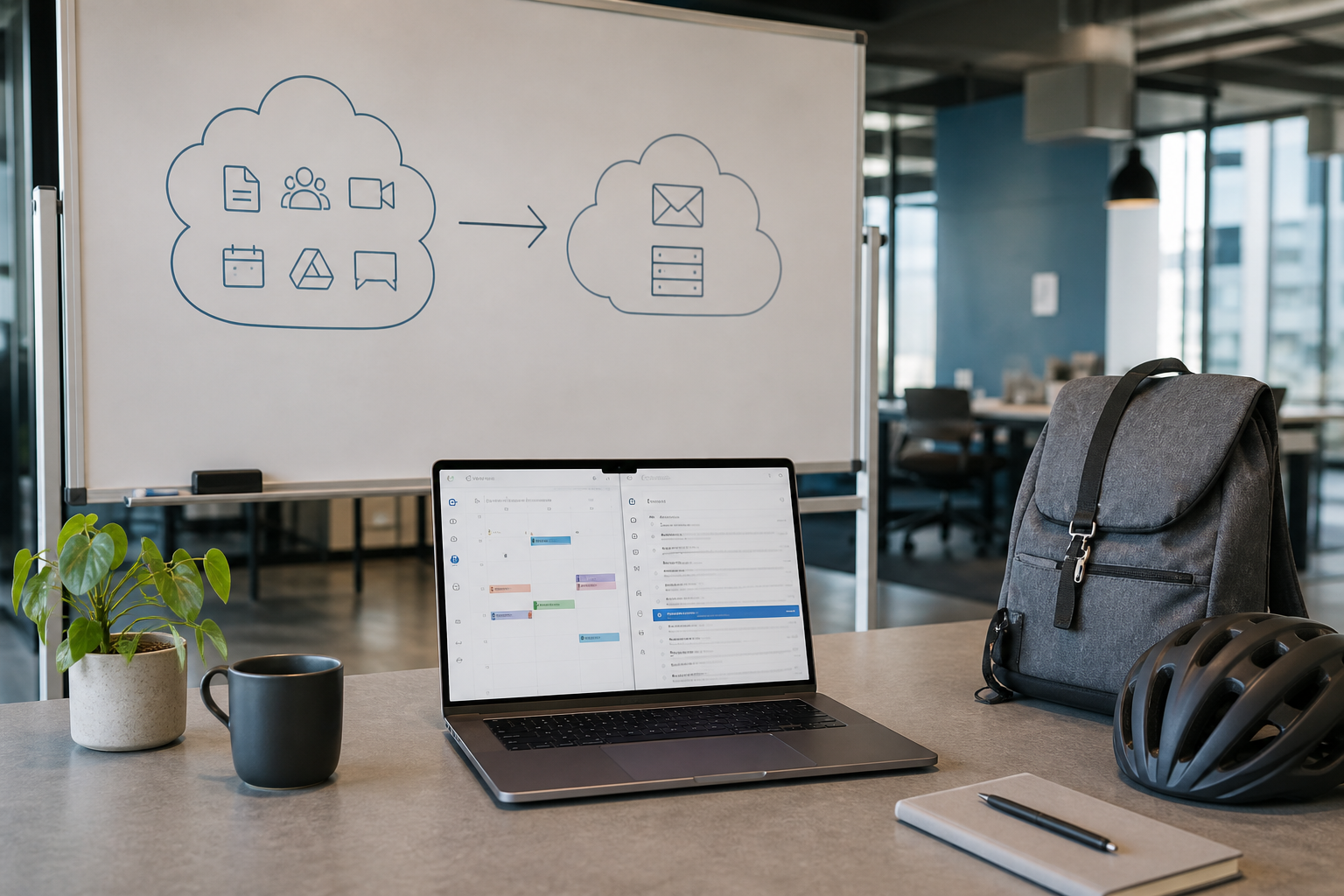
Leaving Google Workspace for MailShrine (or another email-first host) is common when the team stopped using Docs/Drive/Meet enough to justify per-user Workspace pricing — but still needs @yourdomain mail that delivers.
Be honest about scope: this article covers mail (and DNS). Drive files, shared drives, Calendar ACLs, and Chrome device management need separate export projects.
Real-life example: Nimbus Collective
Ifeanyi runs Nimbus Collective, a 6-person design studio on Workspace Business Starter. Design lives in Figma; contracts live in Notion. They were paying for Gmail + Meet they rarely used. Moving inboxes to MailShrine cut seat cost; they kept a single unpaid consumer Google account for personal use — not for company mail.
Should you leave Workspace?
| Stay on Workspace if… | Leave for email-first if… |
|---|---|
| Drive / Docs / Meet are daily tools | You mainly need mail + aliases |
| You rely on Google SSO deeply | Staff already use other SaaS |
| Compliance tooling is Google-centric | Cost per mailbox is the pain |
Comparisons: MailShrine vs Google Workspace · Do you need Workspace?
Export & access prep inside Google Admin
- Confirm you are a super admin.
- Inventory users vs aliases vs groups (
info@group ≠ mailbox). - Enable IMAP for accounts you will migrate (Admin → app settings / user-level IMAP).
- Prefer app passwords or migrator OAuth where supported — rotating the primary password mid-job breaks sync.
- Export Takeout / Vault only if you need offline legal archives beyond IMAP foldercopy.
Mail move pattern that works
| Phase | Action |
|---|---|
| A. Build destination | Add domain + mailboxes on MailShrine |
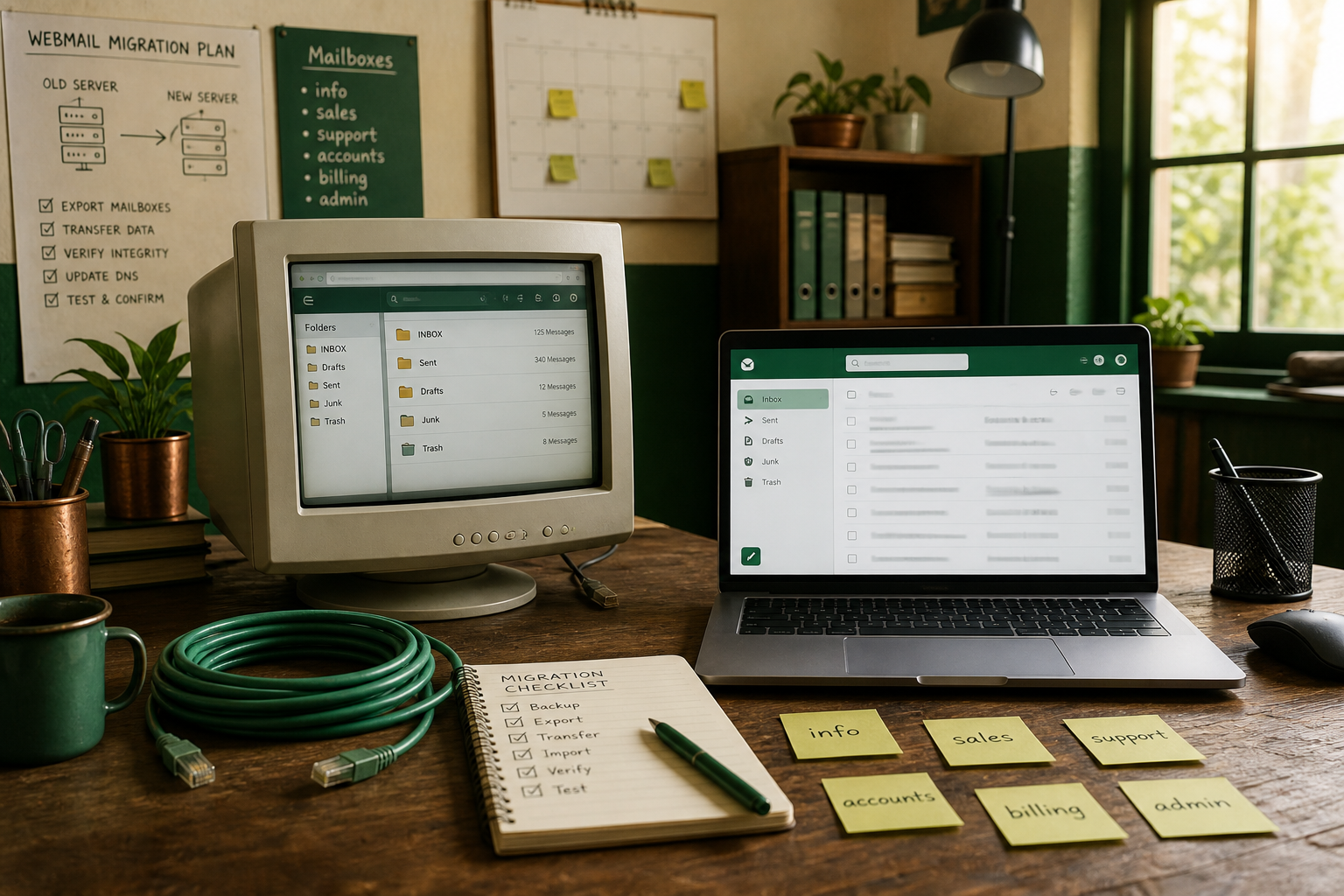
| B. Sync | IMAP → IMAP (or Google migration tools into another suite) |
| C. Auth DNS | Prepare SPF/DKIM for MailShrine without publishing MX yet |
| D. Cutover | Point MX at MailShrine; clean Google MX |
| E. Client day | Rebuild profiles on phones / Outlook |
| F. Cancel | Only after quiet inbound on Google side |
Zero-loss framing: migrate without losing mail.
Step-by-step cutover
1. Recreate users on MailShrine
Match local parts. Convert Google Groups that were “shared inboxes” into aliases or true shared workflows (alias vs mailbox). Free plan = 2 mailboxes + 2 aliases — upgrade before moving a whole studio.
2. Copy history
Point the migrator at Google IMAP endpoints Google documents for Workspace. Copy Inbox/Sent first; confirm attachment-heavy threads. Re-run a delta the morning of MX day (IMAP checklist).
3. Lower TTL & schedule MX
Reduce MX TTL in DNS 48 hours early. When ready, replace Google’s MX set with MailShrine’s single/primary pattern (MX records). Timeline expectations: MX cutover timeline.
4. Fix sending authentication
Remove include:_spf.google.com once Google no longer sends for you. Add MailShrine SPF + DKIM (SPF, DKIM). Keep DMARC at monitoring until reports look clean.
5. Cancel Workspace deliberately
- Confirm external tests hit MailShrine webmail.
- Leave Workspace billed for a short overlap if contracts allow.
- Release the domain from Google (Admin domain settings) after mail works — releasing early can confuse verification on other products.
What does *not* move with IMAP
- Drive / Docs / Sheets ownership
- Meet recordings
- Some label → folder mapping quirks
- Chat history
Plan file exits with Drive download or a migration specialist if legal hold matters.
Nimbus checklist
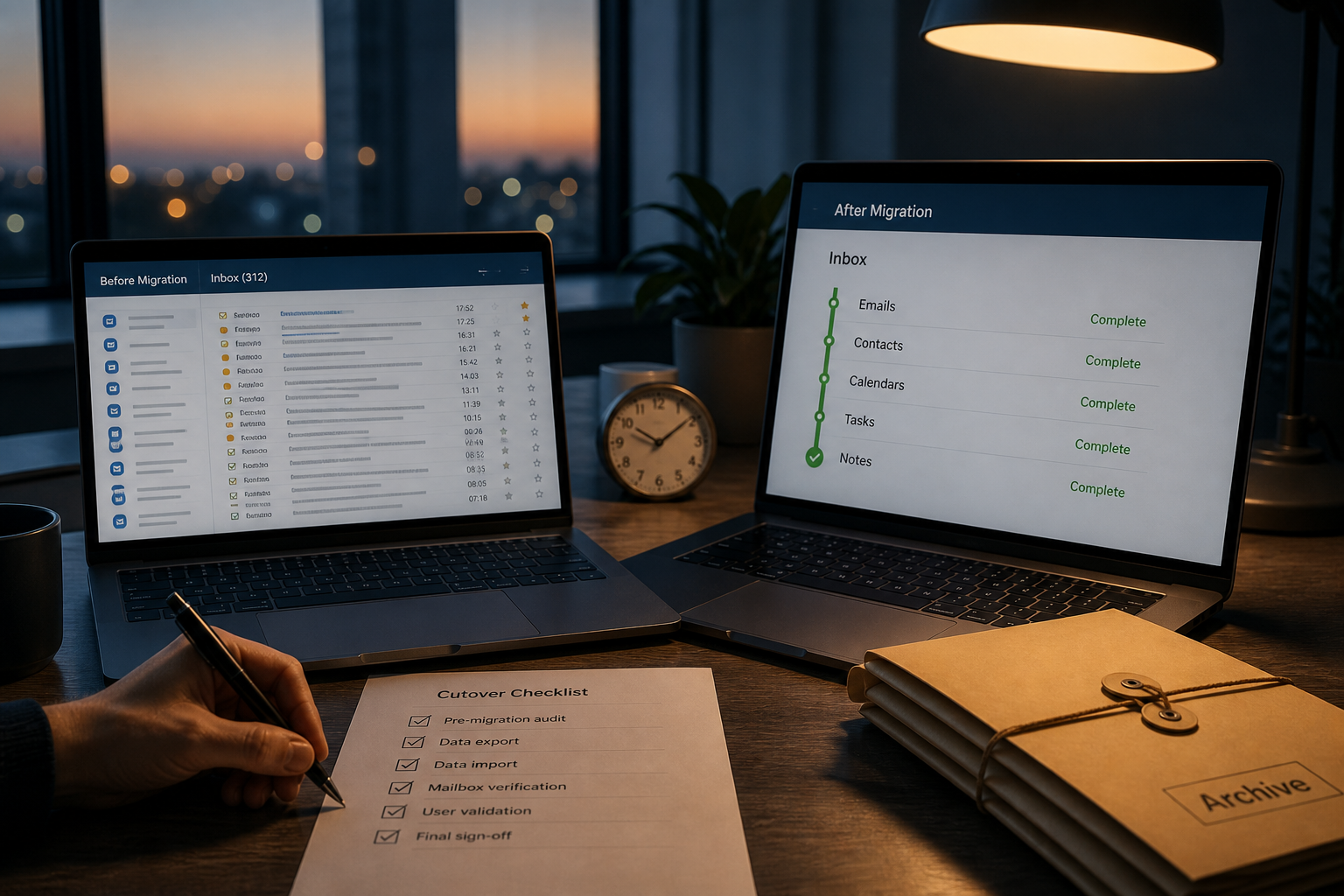
- Admin IMAP + app access readyCompleted
- Destination mailboxes createdCompleted
- History synced + deltaCompleted
- MX switched; Google MX removedCompleted
- SPF/DKIM no longer Google-onlyCompleted
- Devices updatedCompleted
- Workspace subscription cancelled after quiet weekNot completed
Next steps
Citations & References
- Reference: Google Workspace Admin Help: Turn IMAP on or off
- Reference: Google: Delete a Google Workspace account
- Reference: Google: Email sender guidelines
- Reference: Cloudflare: DNS MX record
Written by Ben A., Email Product Strategist. Ben helps teams leave suite bloat without abandoning the domain reputation they already earned.