Two-factor authentication (2FA) stops most mailbox break-ins that start with a stolen password. On MailShrine, turn 2FA on for every human login — owner, bookkeeper, and the intern who answers hello@ — before you worry about fancy MDM.
If someone already got in, jump to What to Do If a Business Mailbox Is Compromised. Pair 2FA with a sane password policy.
Real-life example: Peak Brews Café
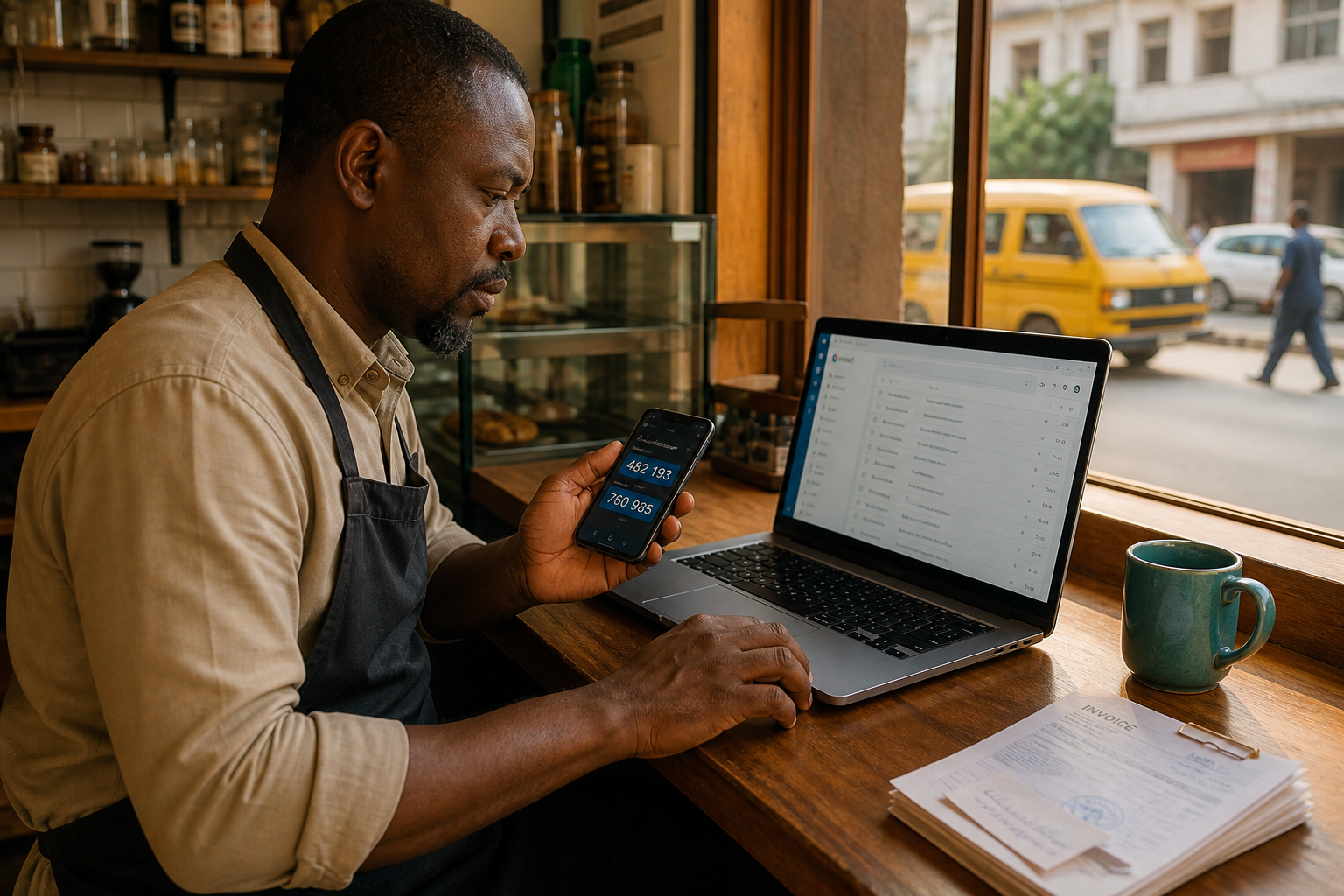
Tunde runs Peak Brews in Ikeja. His bookkeeper reused PeakBrews2024! on webmail and a supplier portal. One phishing page later, spam flew from orders@peakbrews.ng for three hours.
After they locked the account, Tunde’s only rule was: no mailbox login without an authenticator app. SMS stayed as a backup only for his personal phone number — not for shared staff SIMs.
What 2FA actually protects
| Threat | Without 2FA | With 2FA |
|---|---|---|
| Password reuse / breach dump | Full login | Attacker stuck without second factor |
| Credential phishing (most cases) | Full login | Time to reset before they enroll a new factor |
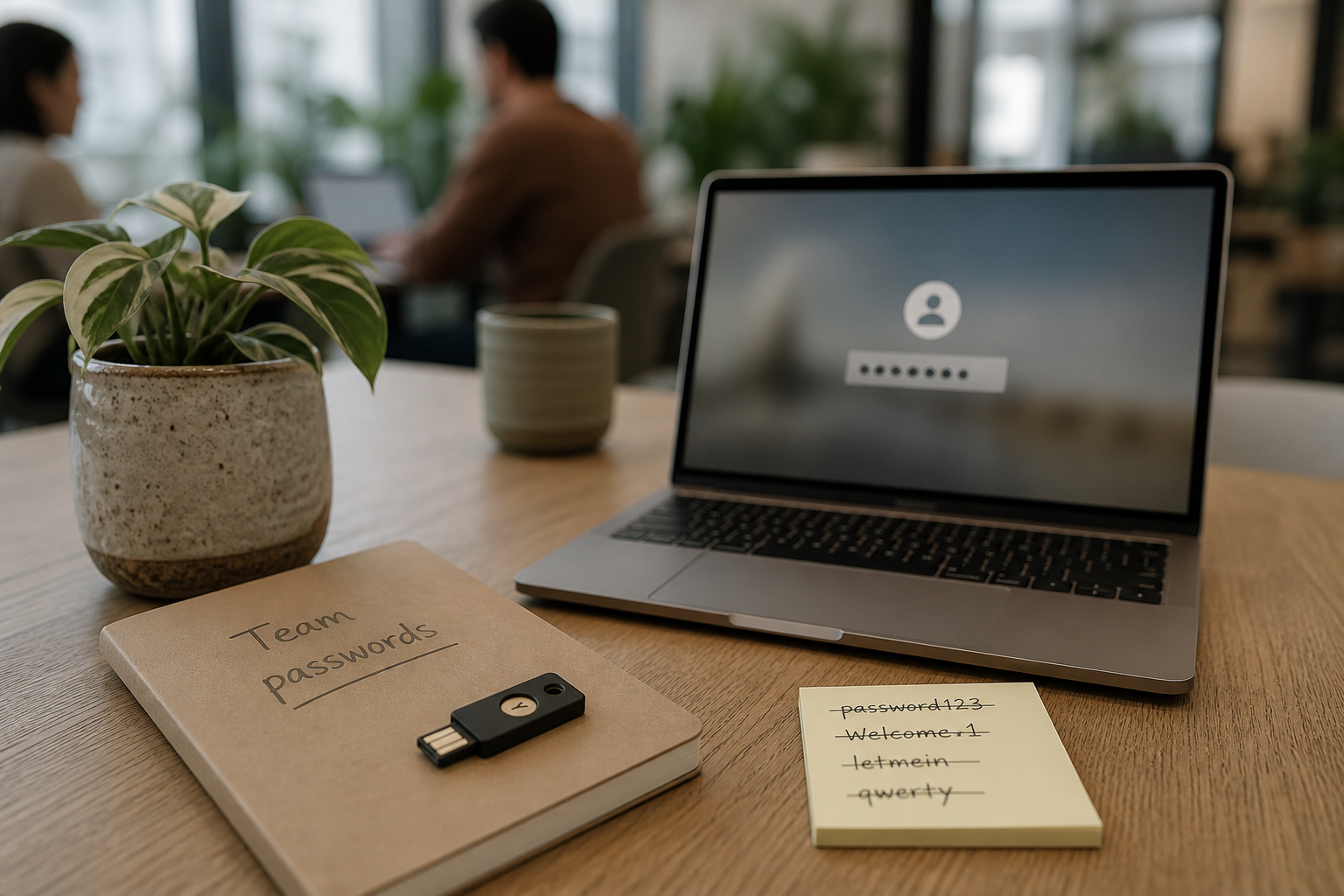
| Shared “team password” sticky note | Instant abuse | Needs each person’s device |
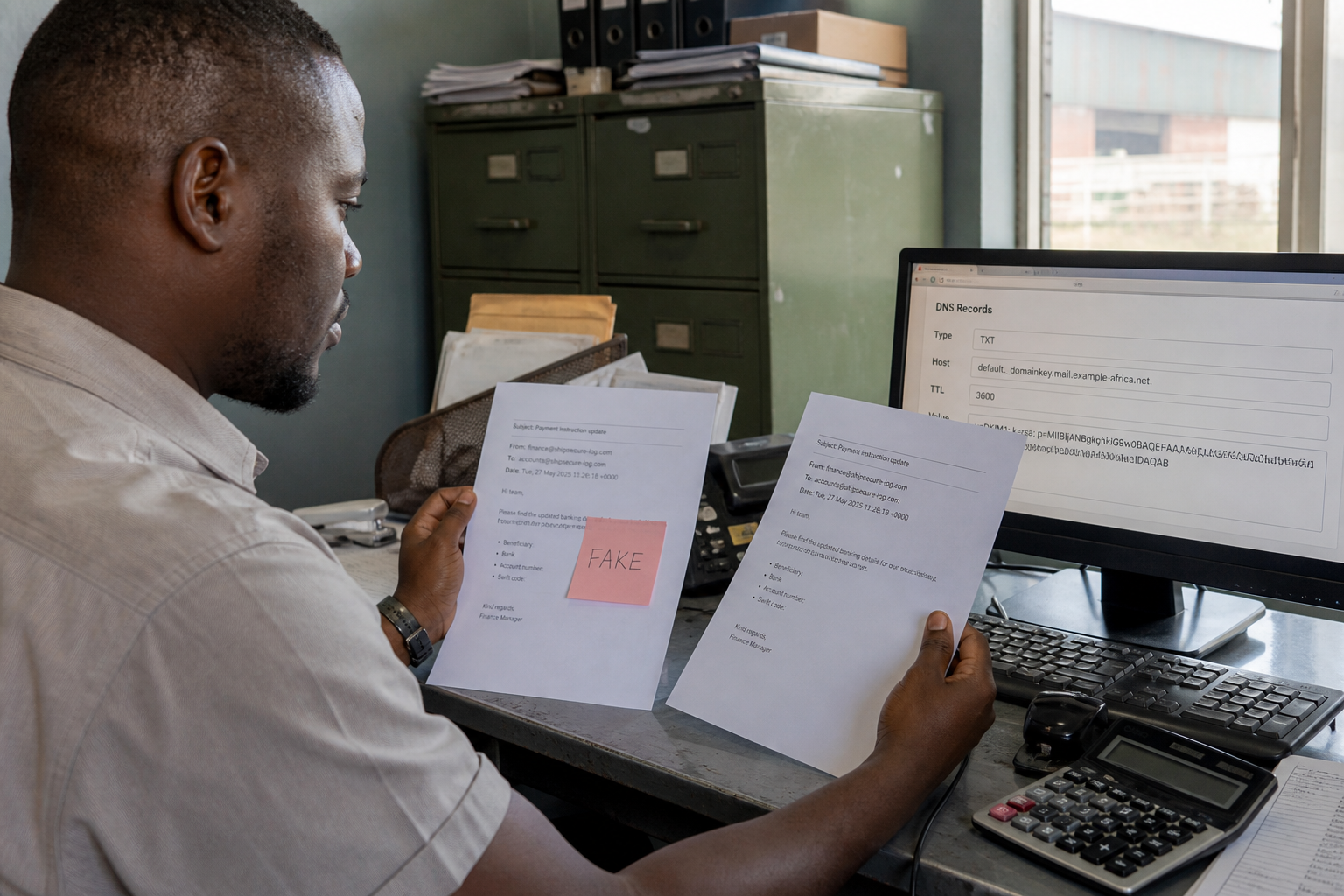
| Spoofed From: on your domain | Unrelated | Need SPF/DMARC — 2FA doesn’t stop spoofing |
2FA guards account access. DNS auth guards who can send as your domain. You want both.
Factor types (pick in this order)
| Factor | Good for small teams? | Notes |
|---|---|---|
| Authenticator app (TOTP) | Yes — default | Works offline; no SIM swap |
| Security key / passkey | Excellent for owners | Best phishing resistance |
| SMS / WhatsApp codes | Backup only | Avoid as the only factor |
| Email OTPs to the same mailbox | Avoid | Circular — mailbox already at risk |
Step 1: Inventory who can sign in
List every mailbox and admin account. Shared logins counting as “one user” are a red flag — prefer aliases into one mailbox (aliases vs mailbox) or separate seats when people leave.
Step 2: Enable 2FA on the owner account first
- Sign in as owner on MailShrine.
- Open Security / account settings.
- Choose Authenticator app.
- Scan the QR with Authy, 1Password, Google Authenticator, or similar.
- Save backup codes offline (password manager secure note or printed envelope in a locked drawer).
Step 3: Roll it to every human mailbox
Do not leave info@ or finance mailboxes on password-only. Staff who only use IMAP clients still need 2FA whenever they open webmail or change account settings — use app passwords only if your host requires them for legacy clients, and revoke them when someone leaves.
Step 4: Kill SMS-as-primary where you can
Keep SMS as recovery for one trusted number. Don’t rely on a café front-desk SIM that rotates monthly.
Step 5: Test a lockout drill
- Sign out.
- Sign in with password + app code.
- Confirm a backup code works once, then mark it used.
- Document who holds spare codes for the business (usually owner + deputy).
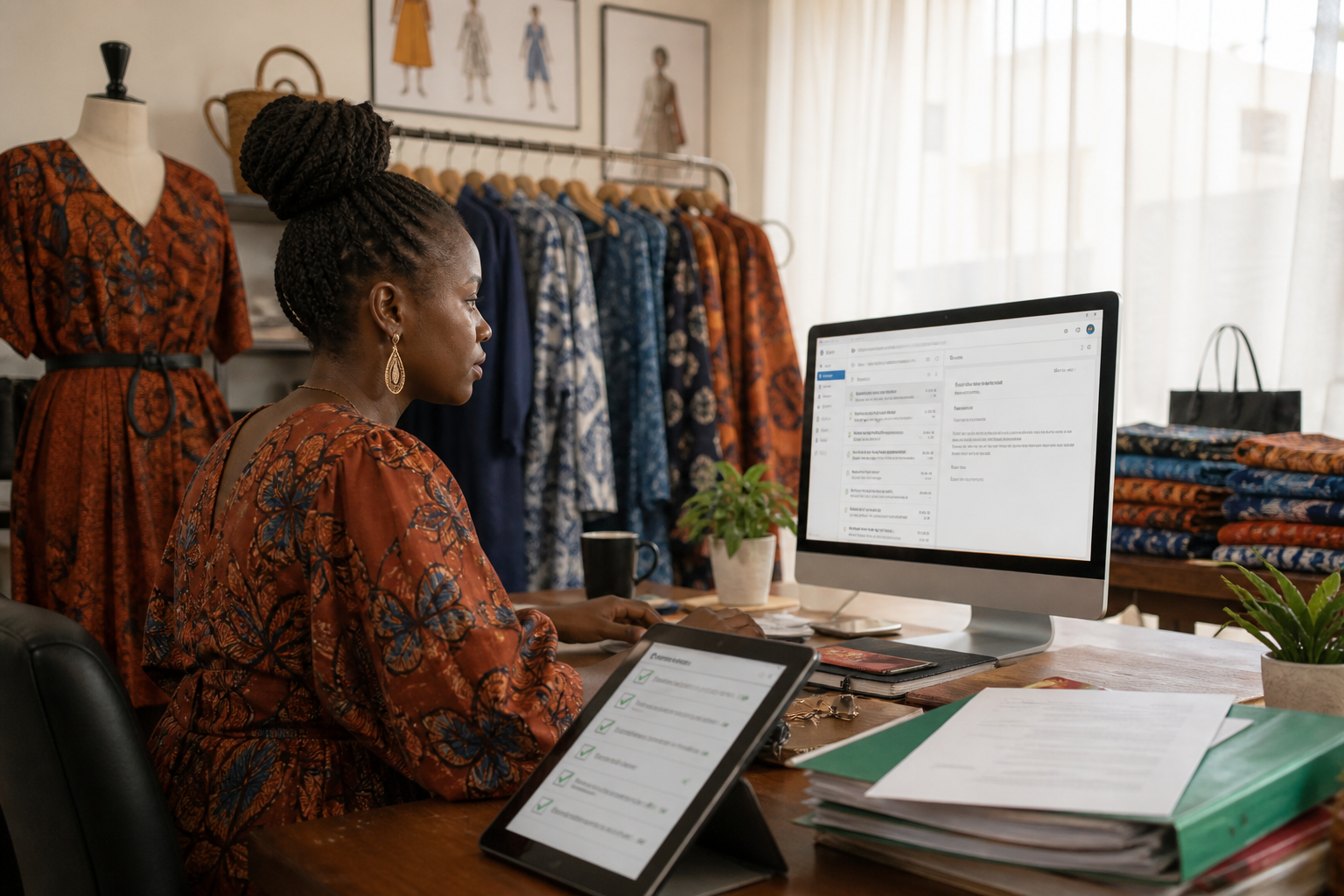
Checklist
- Owner account on authenticator 2FACompleted
- Every staff mailbox requires 2FACompleted
- Backup codes stored offlineCompleted
- Quarterly review of who still has accessNot completed
- Password manager + strong unique passwords (policy guide)Not completed
Common mistakes
- Enabling 2FA on one mailbox and leaving admins open.
- Sharing one authenticator phone among three people.
- Screenshotting QR codes into a group WhatsApp.
- Thinking 2FA replaces SPF, DKIM, and DMARC.
Next steps
- Stop email spoofing with SPF/DMARC · Password policy · DMARC for small business · Hacked mailbox response
Citations & References
- Reference: CISA: Multifactor Authentication
- Reference: NIST SP 800-63B Digital Identity Guidelines
- Reference: Google: 2-Step Verification
Written by Samira O., Inbox Security Educator. Samira helps SMEs add authenticator 2FA without locking founders out of their own domains.