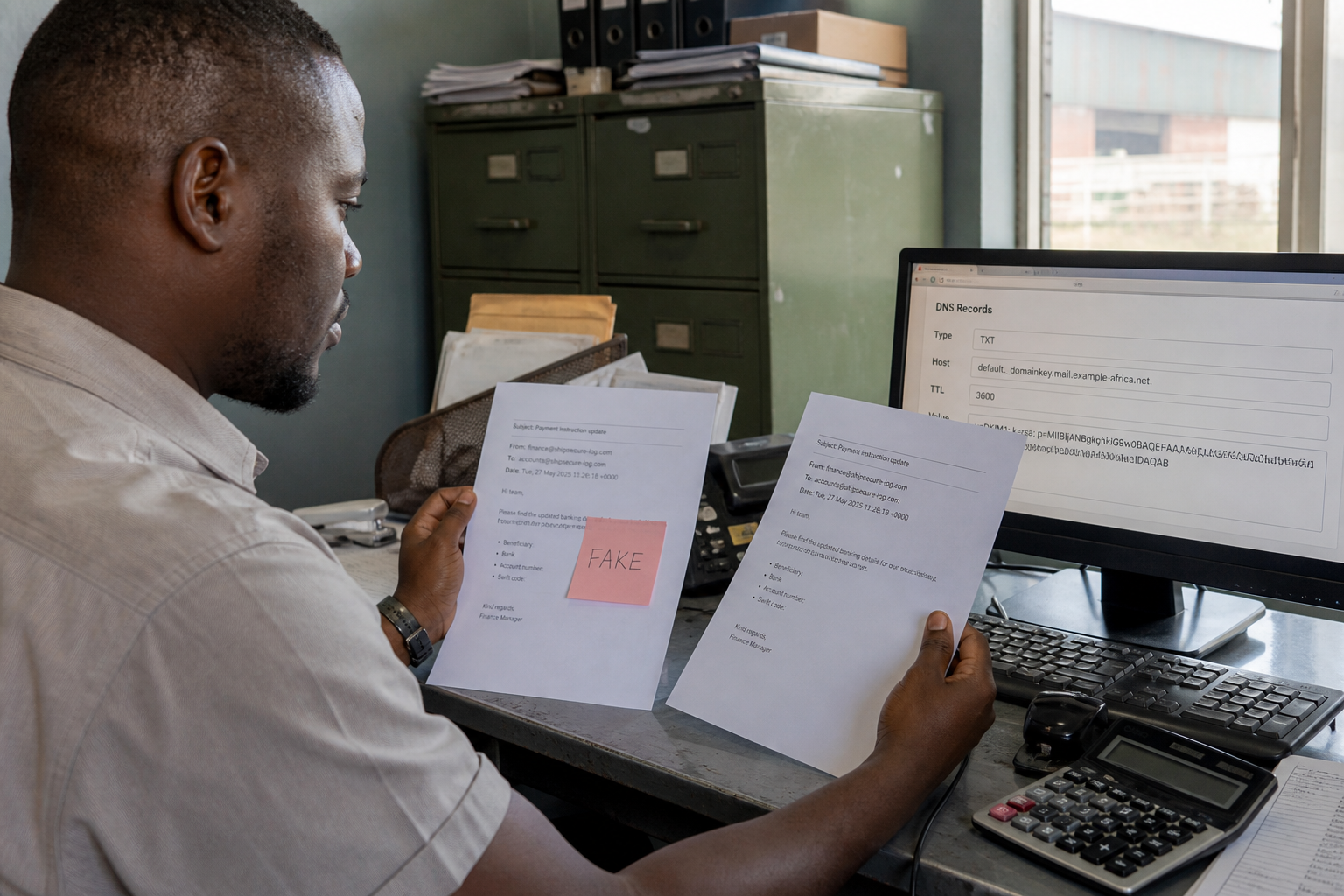

Act like minutes matter. If someone controls you@yourdomain.com on MailShrine (or any host), they can reset other accounts, invoice fraud victims, and hide their tracks with inbox rules.
This is an operations playbook, not a forensic or legal brief. For privacy notifications under Nigerian rules, see NDPR basics and consult counsel when personal data may be exposed.
Real-life example: Northline Supplies
Kemi noticed clients asking about “wire instruction” emails she never sent. Her Sent folder showed messages she didn’t write, and a filter silently moved mail containing invoice to Archive.
She followed the sequence below: kill sessions → reset password → enable 2FA → purge rules → warn clients → harden DNS. Spoofed follow-ups still arrived from lookalikes later — she pointed customers to SPF/DMARC so they could tell compromised vs. forged.
First 30 minutes (stop the bleeding)
| Order | Action | Done when |
|---|---|---|
| 1 | Change the mailbox password from a clean device | Old password fails |
| 2 | Sign out / revoke other sessions & app passwords | Only your device works |
| 3 | Turn on 2FA | Authenticator required |
| 4 | Check forwarding + filters/rules | No silent BCC/forward |
| 5 | Scan Sent / Trash / Drafts for fraud | Timeline noted |
Step 1: Use a clean device
Do not reset security settings on the same laptop you suspect is phished. Phone hotspot + a known-clean browser is fine for emergencies.
Step 2: Reset credentials and factors
- Change the MailShrine password to a unique 16+ character secret (password policy).
- Enable authenticator 2FA; regenerate backup codes.
- Revoke IMAP app passwords and OAuth apps you don’t recognise.
- If the attacker enrolled their 2FA, use account recovery / support immediately — do not stall.
Step 3: Hunt for persistence
Look for:
- Auto-forward to an external address
- Rules deleting or filing security alerts
- Delegates / shared access you didn’t grant
- Signature changes pushing fake payment details
- Drafts of scam templates
Delete malice, screenshot evidence first if you may need police/bank reports.
Step 4: Contain blast radius
- Reset passwords on banking, payment gateways, social, and hosting using email reset — attacker may still receive links until you finish Step 2.
- Tell finance contacts: “Ignore wire changes until voice-confirmed.”
- Check DNS at your registrar for unexpected MX/TXT edits (MX basics).
- Confirm SPF/DKIM/DMARC still match MailShrine (spoofing guide).
Step 5: Communicate and prevent repeats
| Audience | Message |
|---|---|
| Staff | Compromised address + what not to click |
| Key clients / vendors | Channel for verifying payment changes |
| Host / IT help | Ticket with timestamps |
| Counsel / NDPC path (if required) | When personal data likely exposed |
Then fix root causes: 2FA everywhere, password manager, phishing drills, DMARC toward reject.
Checklist
- Password reset from clean deviceCompleted
- Sessions / app passwords revokedCompleted
- 2FA onCompleted
- Forwards and rules auditedCompleted
- Related accounts resetCompleted
- Clients warned about payment fraudNot completed
- DMARC policy reviewedNot completed
Common mistakes
- Only changing the password and skipping inbox rules.
- Reusing the same password “for ease.”
- Assuming every fake From: means compromise (could be spoofing).
- Waiting days to warn people who pay invoices.
Next steps
Citations & References
- Reference: CISA: Business Email Compromise
- Reference: FTC: If your email is hacked
- Reference: NCSC: Recovering a compromised account
Written by Isabelle R., Incident Response Educator. Isabelle writes calm, ordered playbooks for first-hour mailbox compromises in small companies.