A transactional email API lets your application send one-to-one messages triggered by a user action or system event — password resets, order receipts, magic links, OTPs, invoices, and shipping updates — over HTTPS instead of running your own mail servers.
This guide explains what transactional email is, how it differs from marketing email, what an API actually does for you, and how MailShrine Developer API fits into that path. When you are ready to send, follow Send Your First API Email.
Real-life example: ShopLite checkout receipts
Amaka ships a small e-commerce app for Nigerian boutiques. Checkout works. Receipts do not. She still pastes order numbers into Gmail by hand — or worse, the app calls a free SMTP plugin that dies every weekend.
Amaka’s goal this week:
- Understand what “transactional email” actually means (and what it is not).
- See why an email API beats a fragile SMTP plugin for receipts and password resets.
- Know the pieces she must set up: API key, verified domain, and a reliable send call.
Transactional email in one table
| Term | Plain meaning | Example |
|---|---|---|
| Transactional email | A message triggered by a specific action or event | Order #4821 confirmed |
| Marketing / broadcast email | A campaign to a list, usually promotional | “20% off this weekend” |
| Email API | HTTPS endpoint your backend calls to submit mail | POST /emails/send |
| SMTP relay | Classic mail protocol some frameworks still use | Port 587 + username/password |
| Accepted vs delivered | API accepted the job ≠ inbox placement yet | 202 then a delivery webhook |
Transactional mail is expected. The recipient did something (or something happened to their account) and they are waiting for that message.
What a transactional email API does
At the simplest level, your server sends an authenticated HTTPS request with:
- From (on a domain you verified)
- To
- Subject
- HTML and/or text body (or a template id + variables)
The provider:
- Validates the request and returns a message id (accepted).
- Signs and routes the message through delivery infrastructure.
- Can push later events — delivered, bounced, complained — to your webhooks.
You do not run MX for outbound sending, manage IP reputation alone, or open raw SMTP sockets for every receipt. The API is the application boundary; SMTP still exists under the hood between providers and mailbox services.
Step 1: Separate transactional from marketing
| Question | Transactional | Marketing |
|---|---|---|
| Why was it sent? | User/system event | Promotion or nurture |
| Who receives it? | Usually one person | A list or segment |
| Timing | Seconds matter | Scheduled is fine |
| Consent rules | Often transactional exemption (laws vary) | Needs opt-in + unsubscribe |
| Reputation risk if delayed | High (login, payment, OTP) | Lower than a failed OTP |
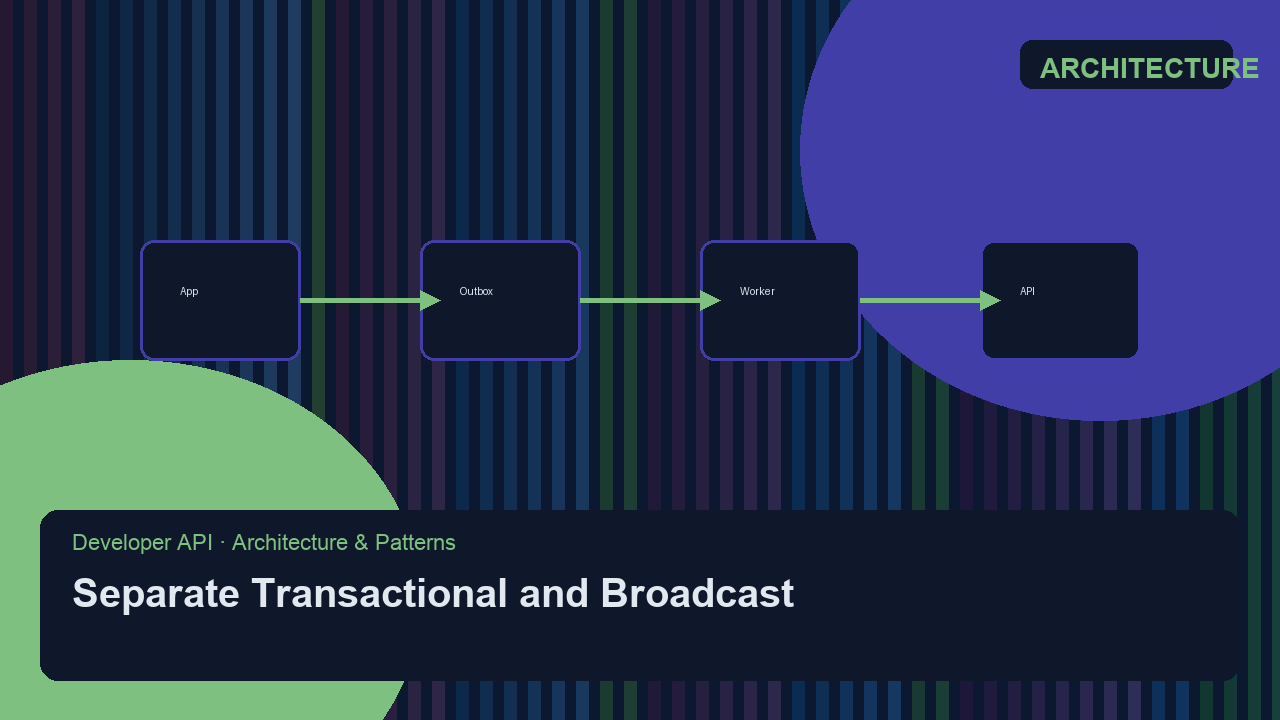
Best practice: keep transactional and broadcast on separate streams or subdomains so a spammy campaign never tanks password-reset delivery. See also Transactional vs Marketing Streams.
Step 2: Know the classic transactional use cases
| Use case | Why it is transactional |
|---|---|
| Password reset / magic link | User requested access recovery |
| Email verification / OTP | Confirms an account action |
| Order confirmation / receipt | Completes a purchase flow |
| Shipping / delivery update | Status change the buyer expects |
| Invoice / payment failed | Account or billing event |
| Security alert (new login) | Protects the account holder |
| Team invite | Someone invited this specific address |
If the email’s job is “tell this person what just happened,” it is almost always transactional.
Step 3: Prefer an API for new apps (SMTP when you must)
| Path | Choose when |
|---|---|
| REST / SDK | New backends, clear JSON errors, webhooks, idempotency keys |
| SMTP relay | Legacy CMS, WordPress, or a framework mailer that only speaks SMTP |
Both can hit the same MailShrine account. For most product teams in 2026, the API path is the default. Details: Email API vs SMTP Relay.
Step 4: Authenticate the domain before volume
Receiving mailbox providers check SPF, DKIM, and DMARC. Your API key alone is not enough for trustworthy inbox placement.
- Add your sending domain in the dashboard.
- Publish the DNS records Domain Auth shows you.
- Verify, then send from addresses on that domain.
Walkthrough: SPF DKIM DMARC Setup Guide.
Step 5: Treat “accepted” as step one, not the finish line
A successful API response means the provider accepted the send job. Delivery, bounce, and complaint arrive later — usually via webhooks.
Production checklist Amaka still needs:
- Idempotency key on critical sends (no double receipts on retry)Not completed
- Bounce + complaint webhooks wiredNot completed
- Suppression list so hard bounces are not retried foreverNot completed
- Separate transactional subdomain (optional but wise)Not completed
Start with Handle Bounce Webhooks.
Amaka’s finished plan (checklist)
- Understands transactional email = event-triggered, one-to-oneCompleted
- Chose API over a weekend SMTP pluginCompleted
- Listed first messages: receipt + password resetCompleted
- Domain verified with SPF/DKIM/DMARCNot completed
- First
POSTfrom staging with an idempotency keyNot completed - Bounce webhook stub returning
200Not completed
Common mistakes to avoid
- Calling marketing blasts “transactional” to skip unsubscribe — providers and laws care about purpose, not the label in your code.
- Sending from
@gmail.comvia an API — use a domain you control and verify. - Assuming HTTP 200 means “in inbox” — wire delivery events.
- Sharing one stream for promos and OTPs — a complaint spike can delay logins.
- Putting API keys in the browser — transactional send belongs on the server.
Check your work
- Can you explain transactional email in one sentence?
- Is your first message truly event-triggered?
- Will you send via API or SMTP — and why?
- Is a verified domain on the path before production traffic?
Next steps
- Send Your First API Email — shortest path from key to inbox.
- Email API vs SMTP Relay — pick the right integration shape.
- Accepted vs Delivered Explained — read API responses correctly.
Citations & References
- Reference: Google: Email sender guidelines
- Reference: FTC: CAN-SPAM Act — A Compliance Guide for Business
- Video: What is transactional email?
- Video: Marketing vs. Transactional Emails
Written by Daniel K., Developer API Specialist. Daniel helps product teams ship reliable transactional mail without reinventing SMTP.